Archive for January 2026
Automatic Payment Subscriptions

Can Client Sync be set up for monthly automatic payment subscriptions? I have a client who wants a subscriber to get 4 meetings a month for a set price.
Yes, absolutely.
Based on the code structure we have been working with (specifically the Pro Memberships Module), this is exactly what that feature was designed to do.
You will need the Client Sync Pro add-on and the WooCommerce Subscriptions plugin.
Here is the exact workflow to achieve “4 meetings a month for a set price”:
1. The Setup Logic
You are going to create a Membership Plan in Client Sync that acts as a “rule set” (e.g., “Allow 4 bookings per month for free”). Then, you will link that rule set to a WooCommerce Subscription product that handles the recurring billing.
2. Step-by-Step Configuration
Step A: Create the Membership Plan
- Go to Client Sync > Memberships (or
Forms->Add New->Membership Plandepending on your menu structure). - Title: “Monthly Consulting Plan”.
- Add Rule:
- Apply To: Select “All Services” (or a specific service like “Consulting Call”).
- Rule Type: Booking Limit.
- Value: 4.
- Period: Per Month.
- (Note: Based on your
Membership_Rules_Enginecode, if a user is under their limit, the price automatically becomes $0.00 in the cart).
- Save the plan.
Step B: Create the WooCommerce Product
- Go to Products > Add New.
- Product Type: Simple Subscription (requires WooCommerce Subscriptions plugin).
- Price: Set the monthly fee (e.g., $200 / month).
- Publish the product.
Step C: Link Them
- Go back to your Client Sync Membership Plan from Step A.
- Look for the “WooCommerce Subscription Link” meta box in the sidebar.
- Search for and select the Subscription Product you created in Step B.
- Save.
3. How it works for the Customer
- Purchase: The client buys the subscription on your site via WooCommerce.
- Activation: The
WC_Subscriptions_Integrationclass in your code detects the payment and automatically tags that user account with the Membership Plan ID. - Booking:
- The user logs in.
- They go to the booking form.
- Bookings 1-4: The system sees they have a membership. It shows the price as $0.00 (Included in Membership) and lets them book instantly.
- Booking 5: The system checks the
_get_user_usage_for_periodlogic, sees they hit the limit of 4, and either blocks the booking or charges the full normal price (depending on how you set up additional rules).
- Renewal: Next month, WooCommerce charges the card. The membership stays active, and the usage counter resets to 0 automatically.
- Cancellation: If they cancel payment, the integration code removes the membership flag, and they can no longer book for free.
Client Sync Pro
Stop Wrestling with WordPress Bookings. Meet Client Sync Pro.
Stop Wrestling with WordPress Bookings. Meet Client Sync Pro.
If you run a service-based business, you know the nightmare: You have a client who wants an appointment, a staff member who needs to be free, and a specific room or piece of equipment that must be available—all at the same time. And for medical practices, you have the added burden of keeping that data secure.
Most WordPress plugins crumble under that complexity. They either slow down your site, force you into a rigid box, or leave sensitive data exposed.
Enter Client Sync Pro.
Built on a high-performance architecture using custom database tables, Client Sync isn’t just a calendar—it’s a complete logic and security engine for your business.
Built on a high-performance architecture using custom database tables, Client Sync isn’t just a calendar—it’s a complete logic and security engine for your business.
Why Pro changes the game:
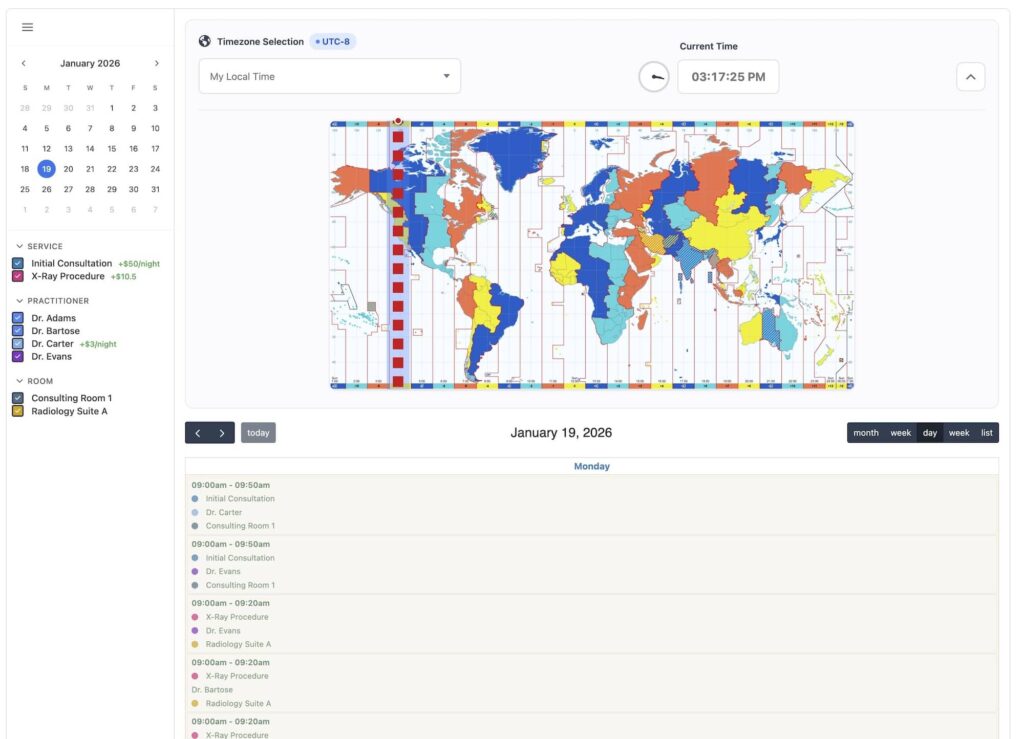
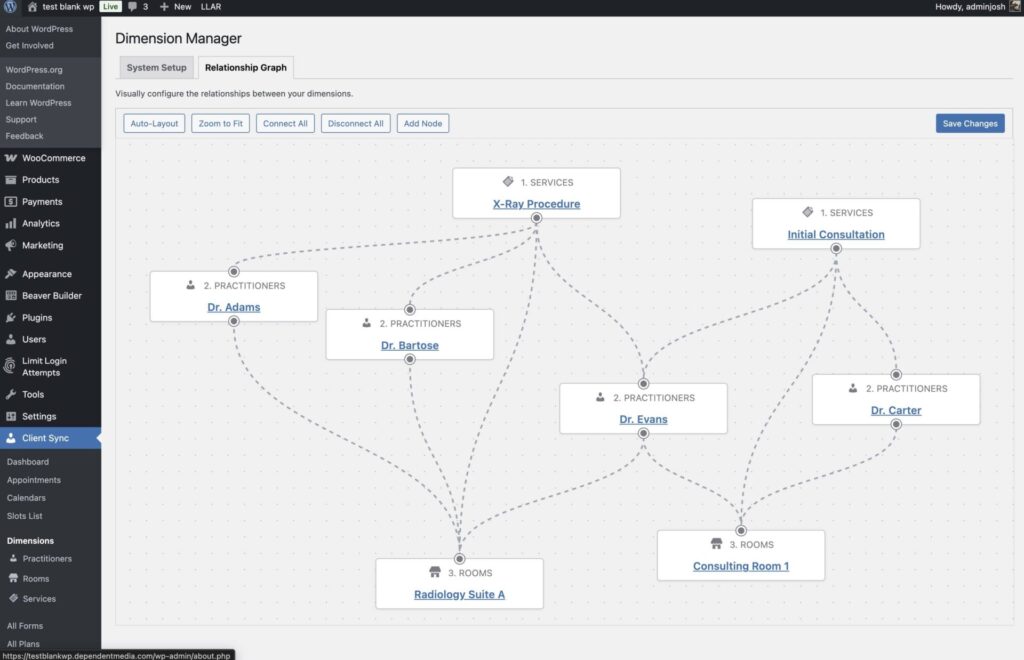
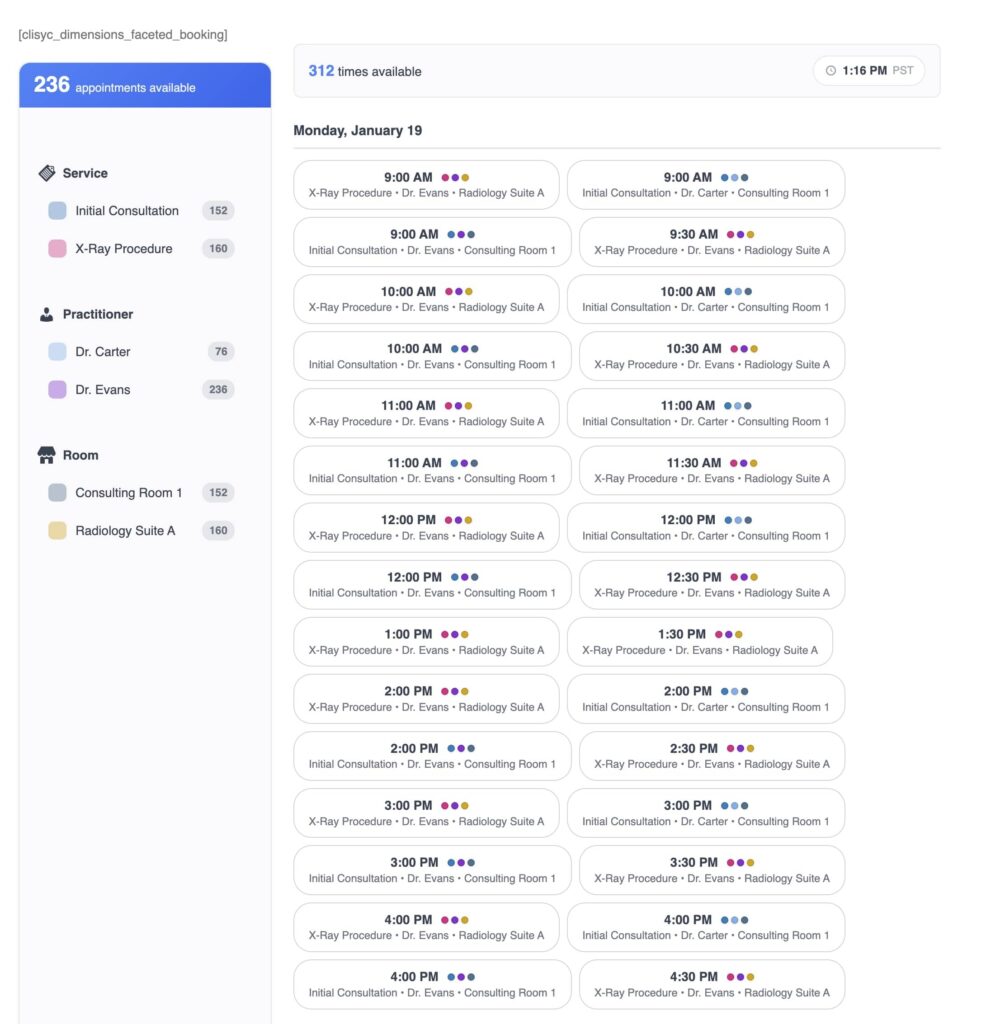
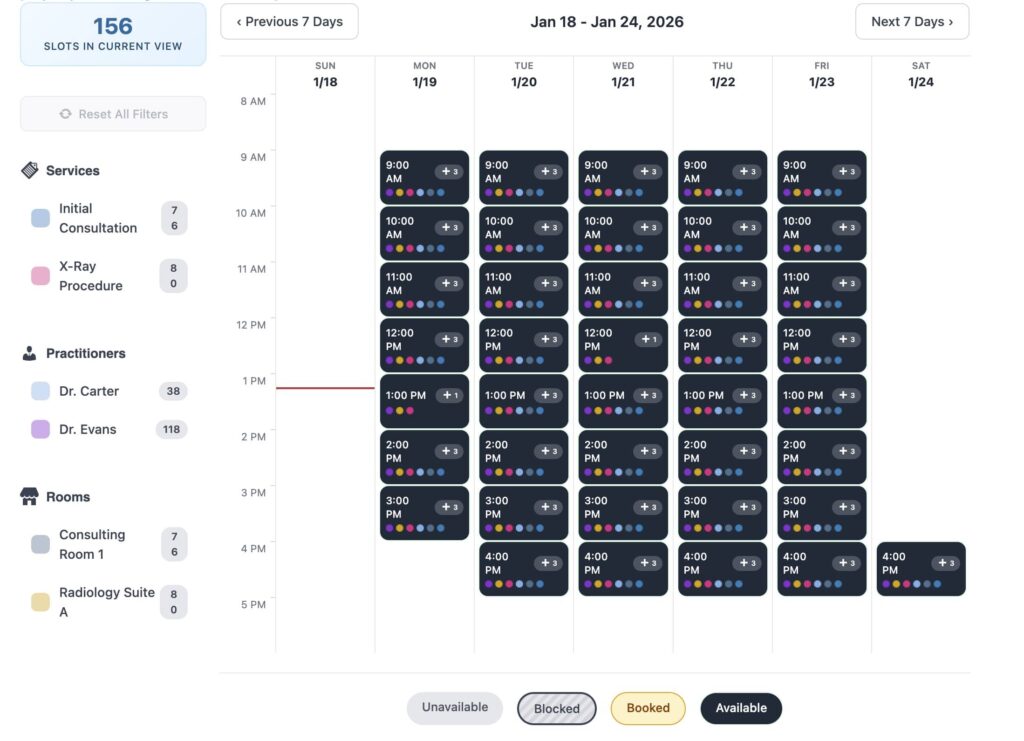
- 🧩 True Resource Scheduling: Do you rent boats? Manage a medical clinic? Run a salon? With our unique "Dimensions" system, a booking is only confirmed if the Service, the Staff Member, AND the Room/Equipment are all available simultaneously. No more double-booking your X-Ray room or your best pontoon boat.
- 🔒 HIPAA Compliance Suite: Secure your practice with enterprise-grade protection. Our new HIPAA Mode encrypts patient notes at rest, anonymizes data before it syncs to Google Calendar, and maintains a tamper-resistant audit log of every staff interaction.
- 🔄 2-Way Google Sync: Your staff lives in Google Calendar. Client Sync Pro pushes appointments to their phone instantly and blocks off time in WordPress if they add a personal event in Google—all while stripping sensitive patient names to keep you compliant.
- 💳 Dynamic WooCommerce Payments: We don't just "support" WooCommerce; we integrate deeply. Charge different rates for weekends, offer membership discounts, or require deposits. The booking flow feels native and professional.
- 👥 Memberships & Packages: Turn one-off customers into recurring revenue. Sell membership tiers that grant booking credits or exclusive discounts automatically.
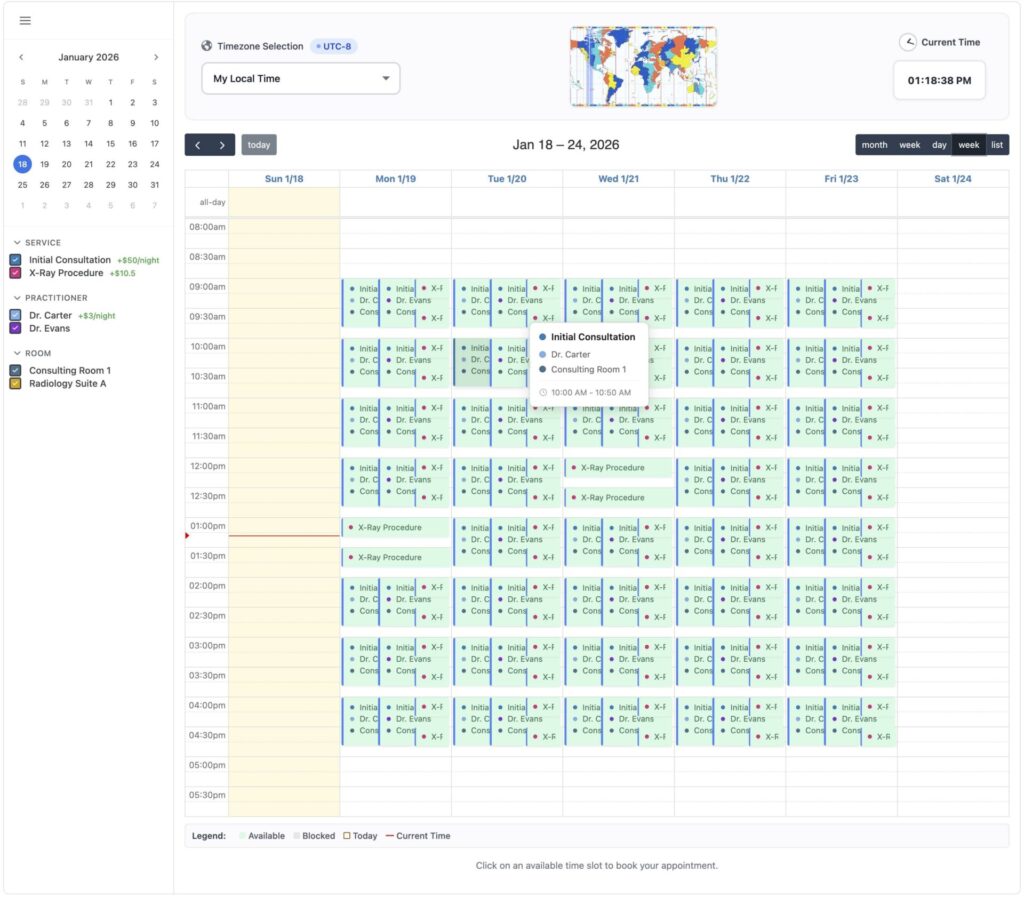
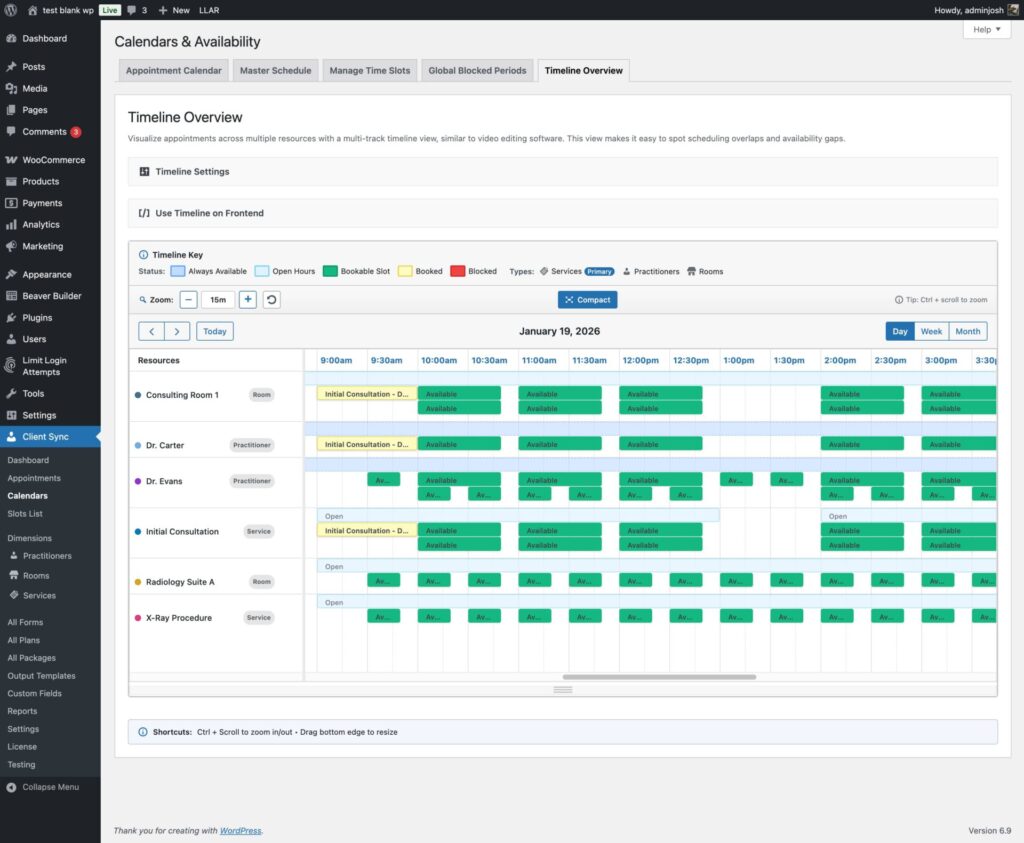
- 📊 Manager Timeline View: See your entire business at a glance. Our "Video Editor style" timeline visualization lets you spot gaps and overlaps across all your resources instantly.
Whether you need simple time slots, multi-day rentals, or a secure medical scheduling platform, Client Sync scales with you without bloating your database.
Upgrade to Client Sync Pro Today
$278.00 USD / Year