Built For MacOS
Flowcharts made beautiful
A native Mac app for creating professional flowcharts, process maps, and decision trees. Powerful styling. Intuitive canvas. Zero learning curve.
Everything you need
Professional diagramming tools without the complexity
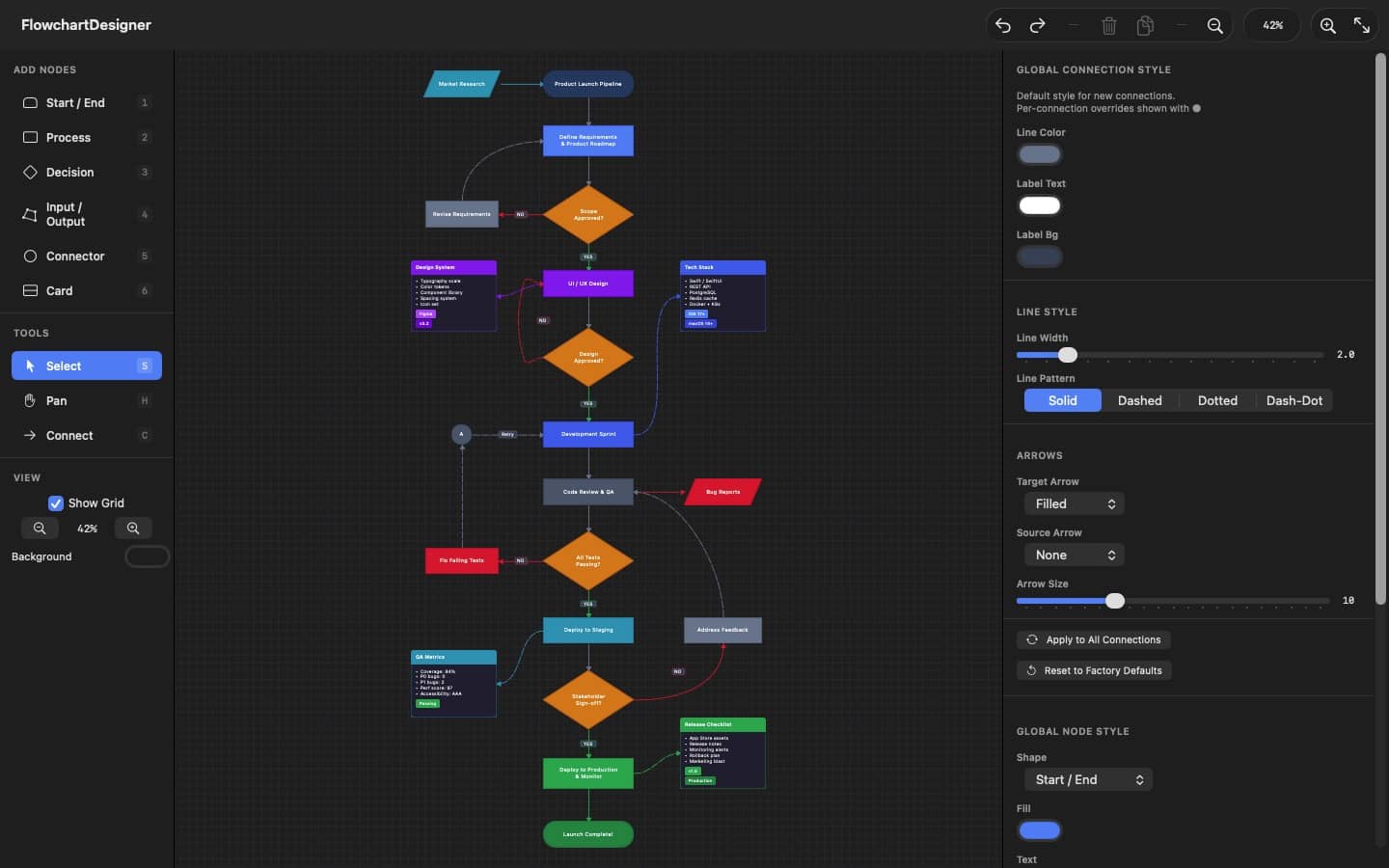
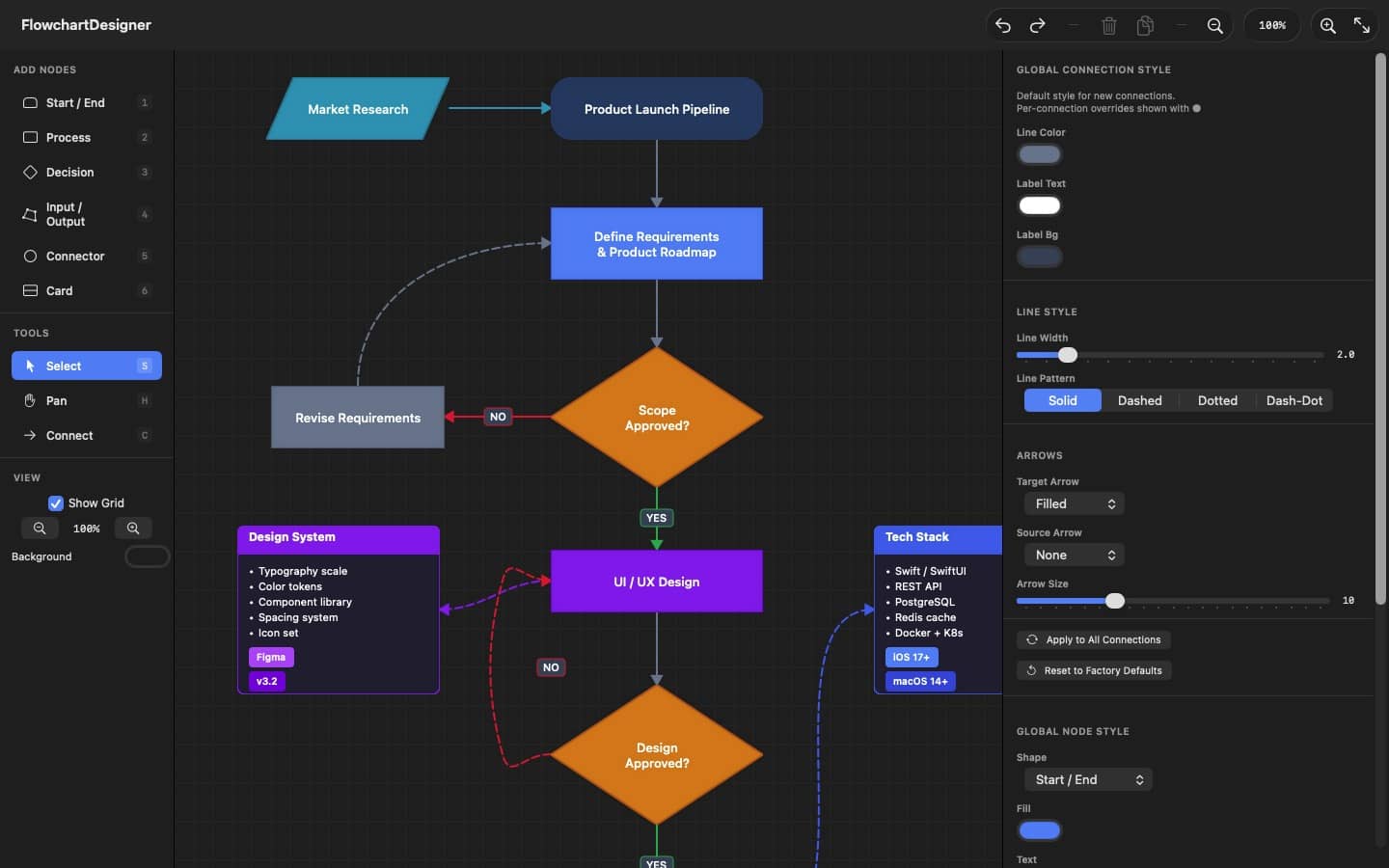
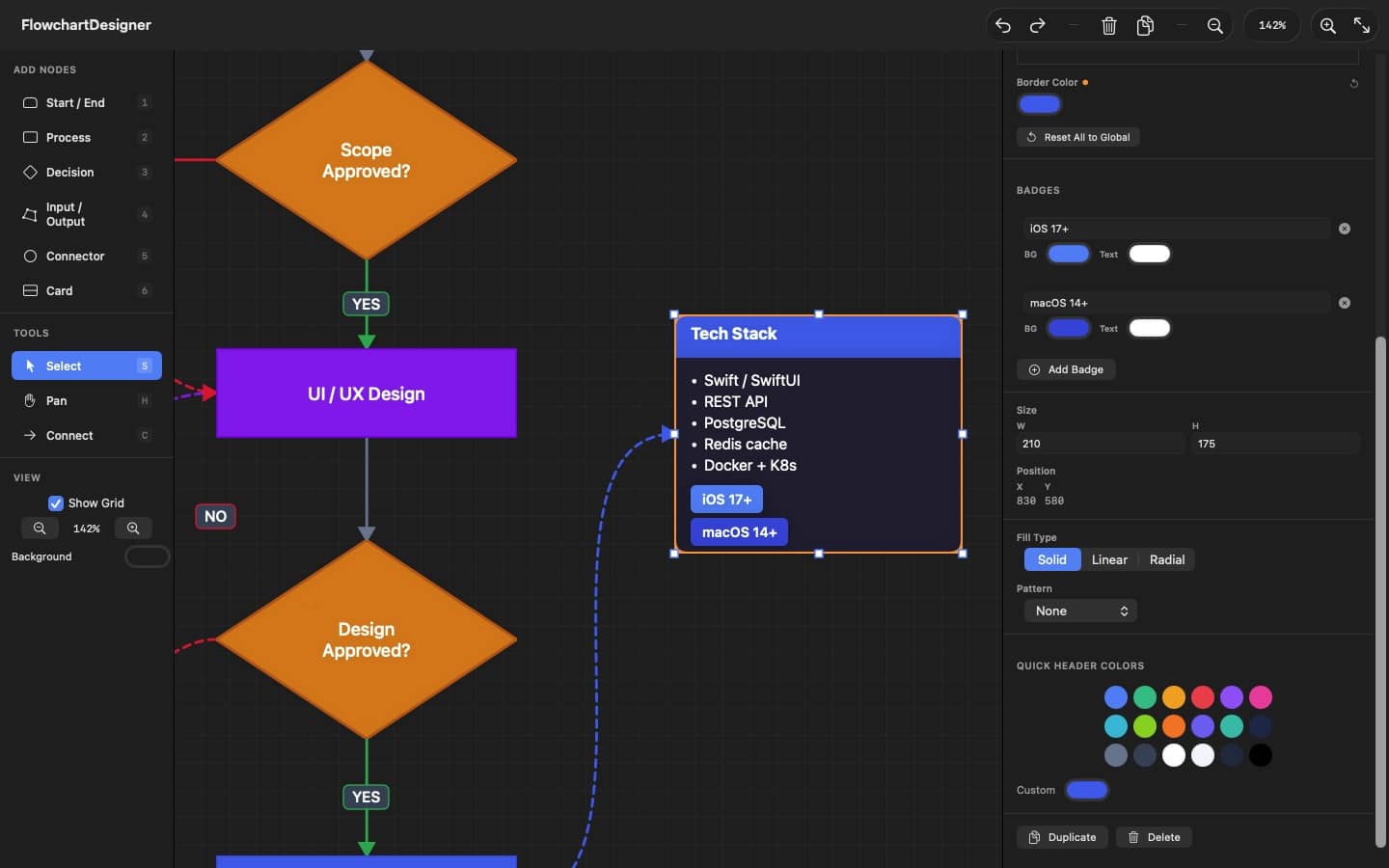
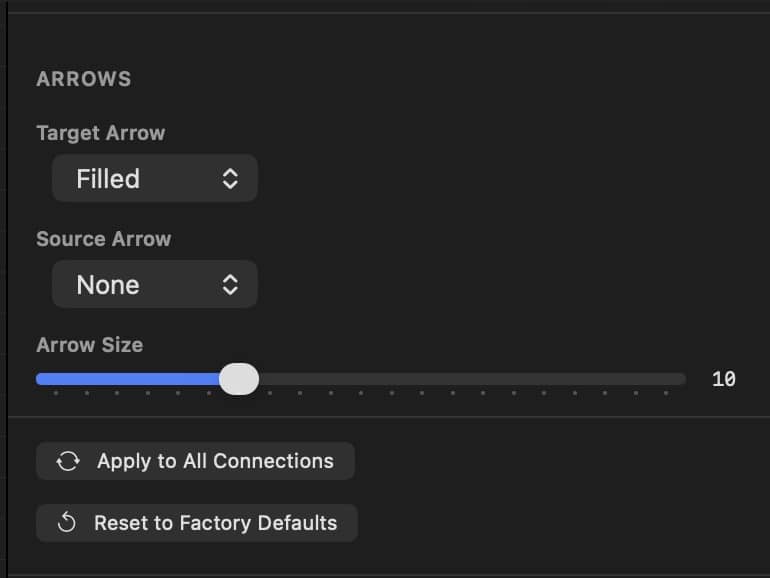
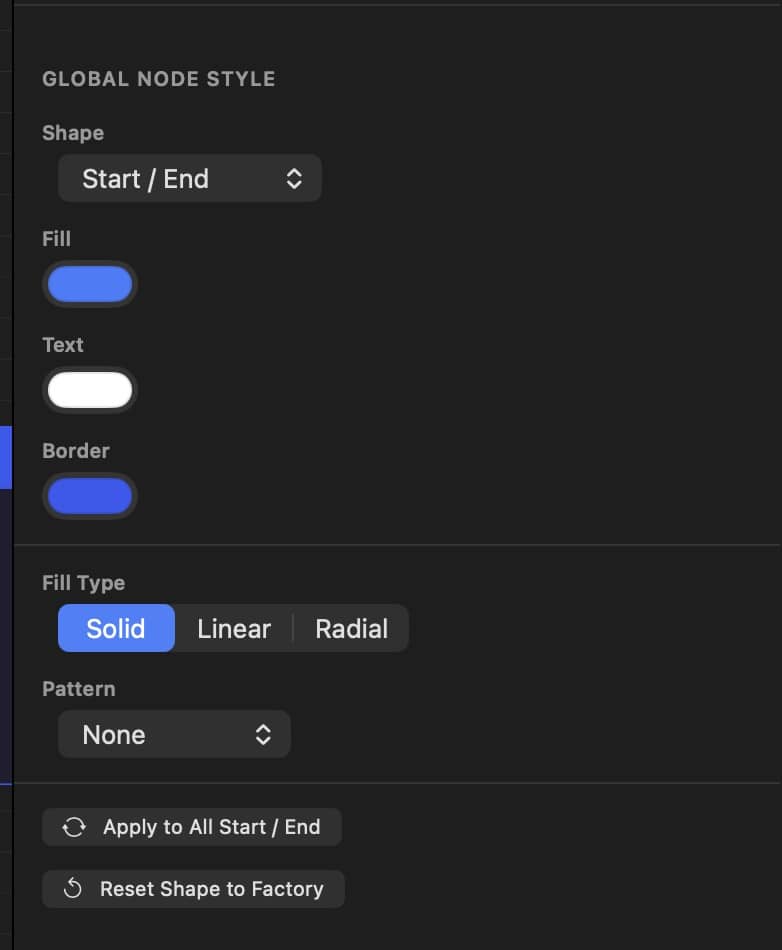
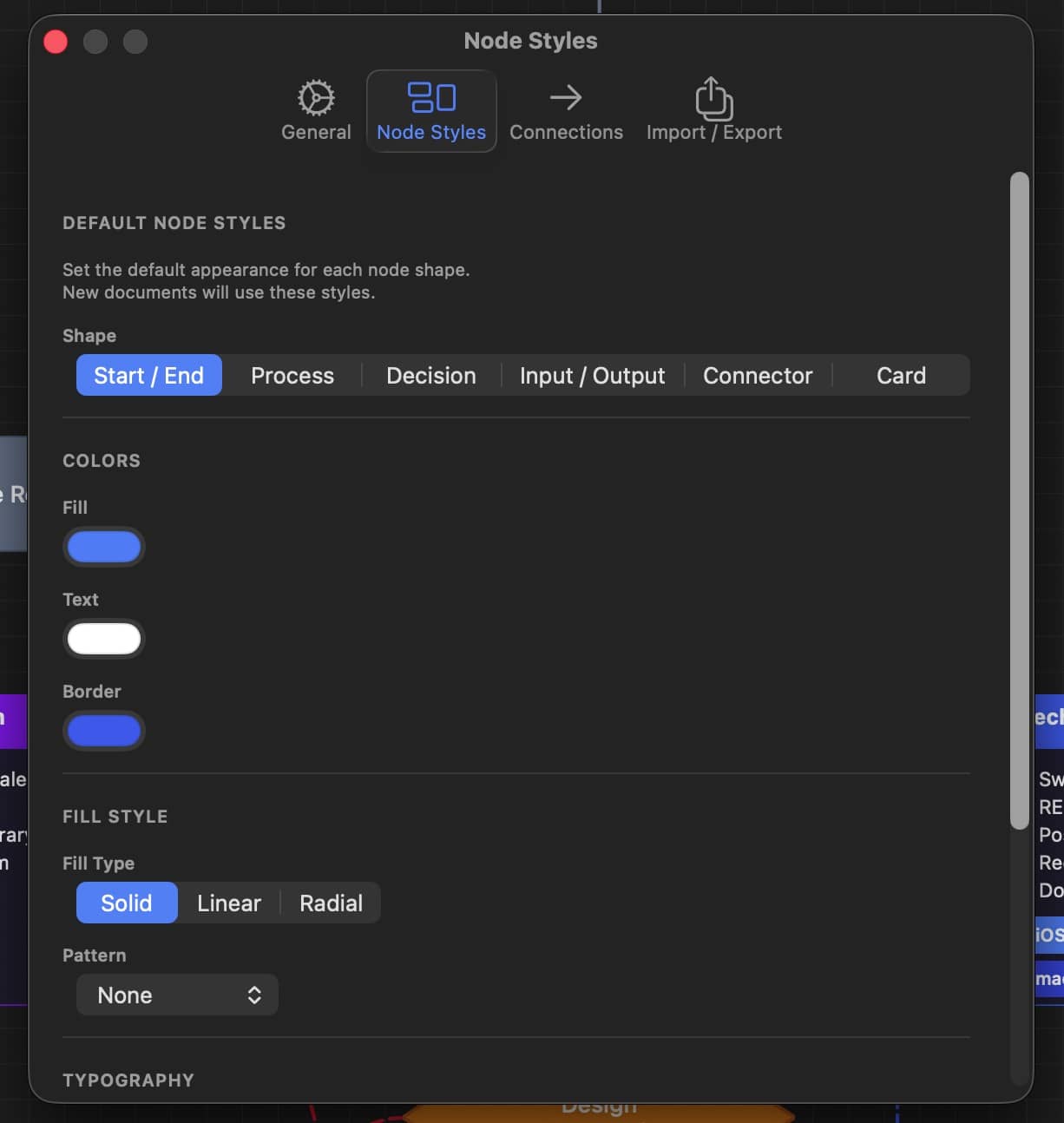
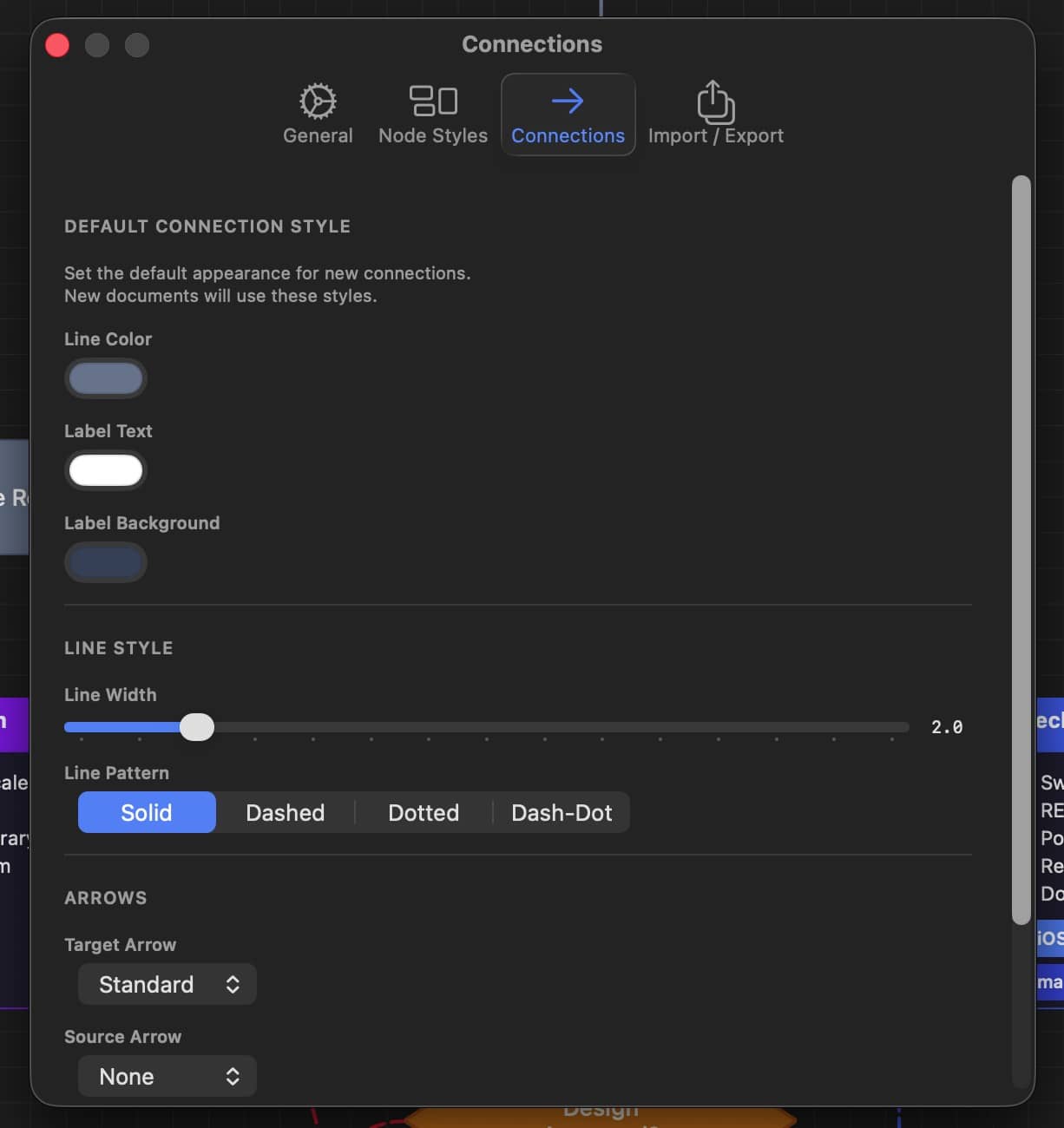
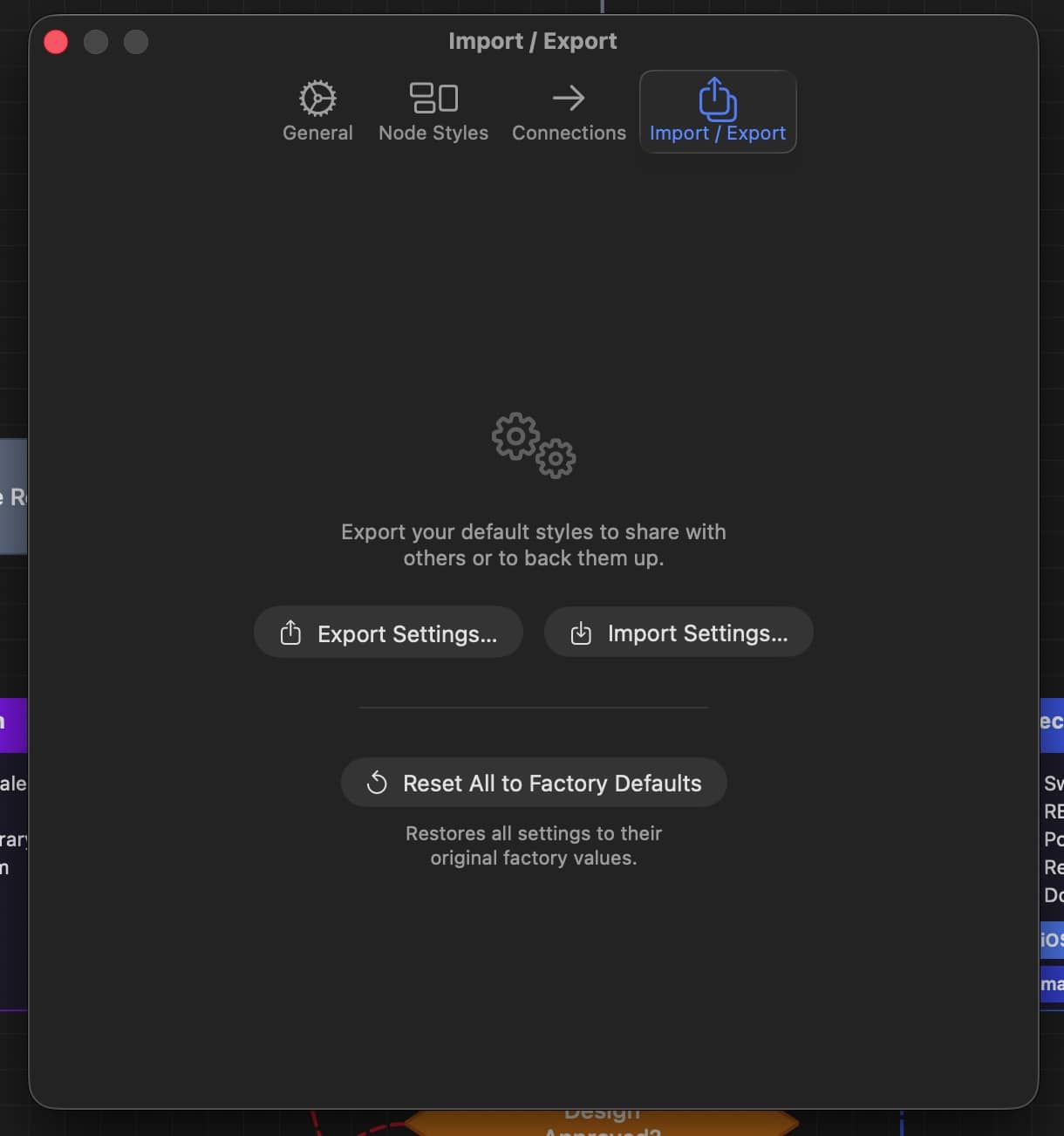
Designed for the way you work
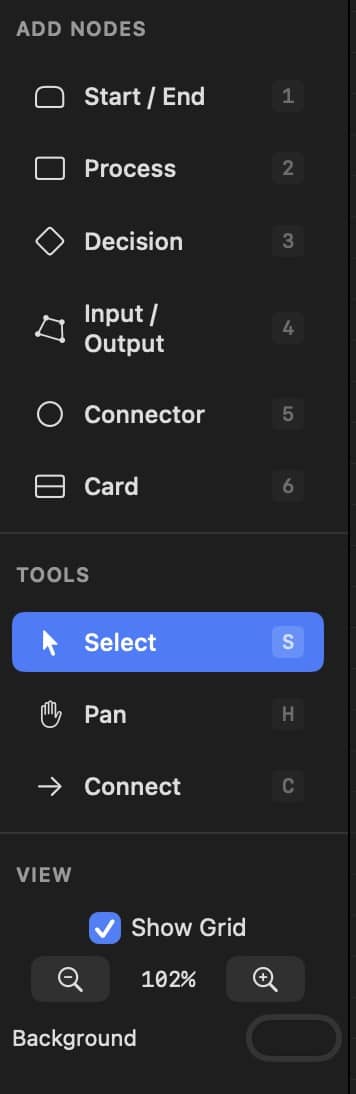
DM Flowchart Designer is built around a keyboard-driven workflow inspired by professional design tools. Hold spacebar to pan like Adobe apps, press number keys to add nodes instantly, and use single-key shortcuts for every tool.
An infinite canvas with smooth zoom from 15% to 400% means your diagrams are never constrained. Snap-to-grid keeps everything aligned without the fuss.
Adobe-style spacebar hold to pan
Number keys 1-6 for instant node creation
Infinite canvas with 15%-400% zoom
Grid snapping for precise layouts
Full undo/redo history
Double-click to edit text inline
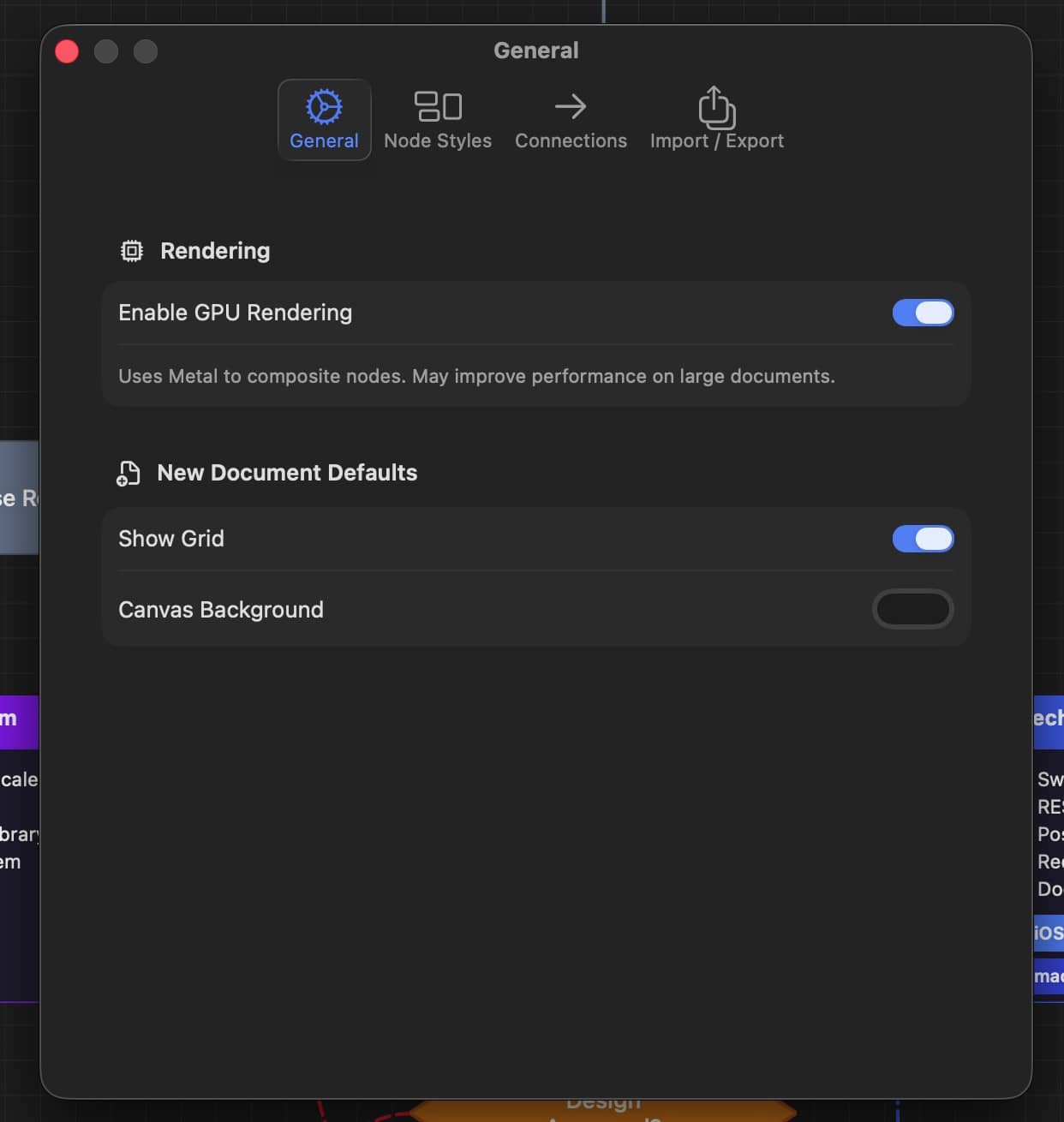
Optional GPU rendering via Metal
Native macOS document support
Keyboard first
Every action at your fingertips
1-6
Add node by type
S
Select tool
C
Connect tool
H
Pan tool
Space
Duplicate selection
F
Fit all nodes to view
⌘ D
Duplicate selection
⌘ E
Export as PNG
⌘ ⇧ Z
Export as PDF
⌘ Z