Archive for February 2026
DM Flowchart Designer

Built For MacOS
Flowcharts made beautiful
A native Mac app for creating professional flowcharts, process maps, and decision trees. Powerful styling. Intuitive canvas. Zero learning curve.
Everything you need
Professional diagramming tools without the complexity
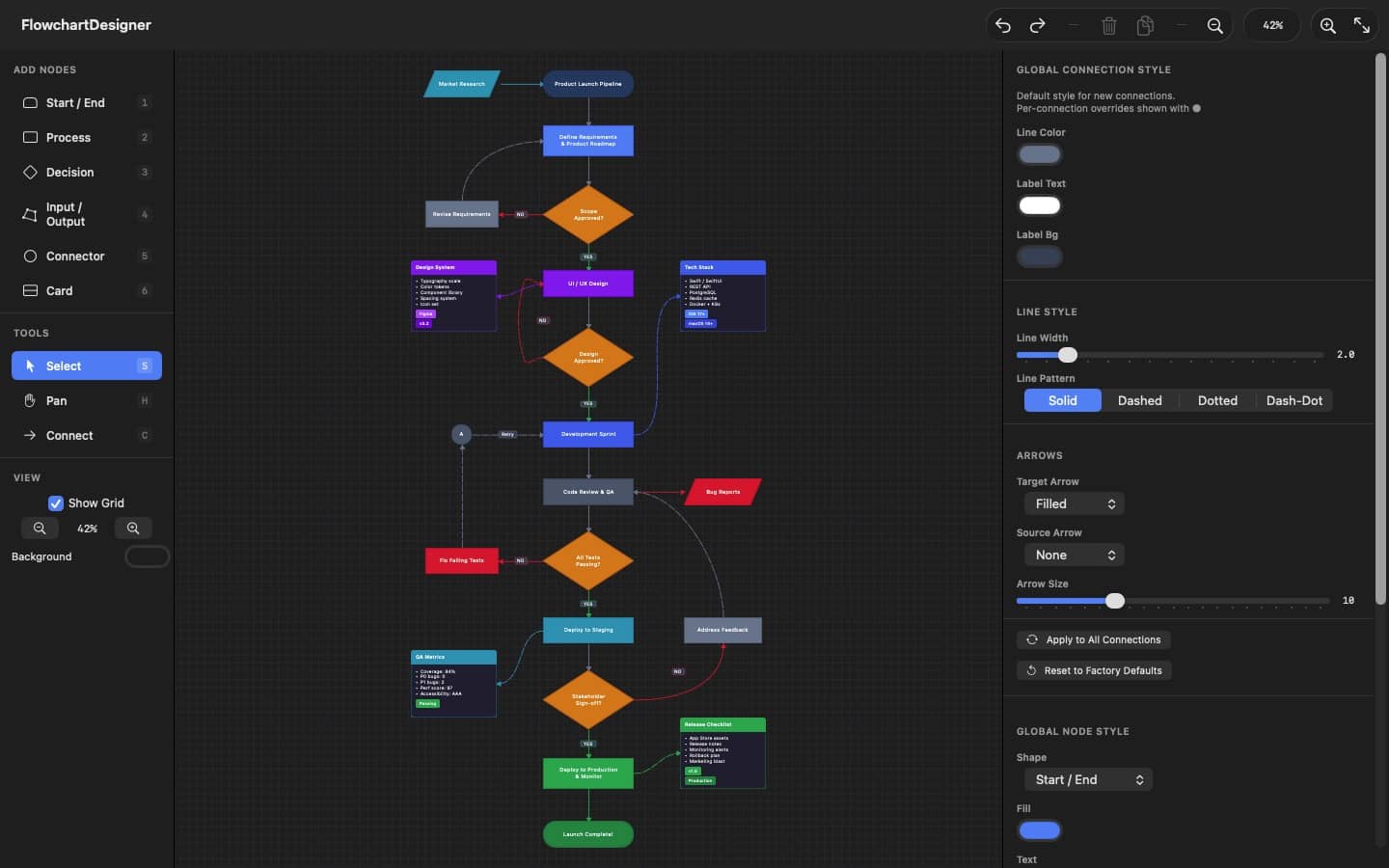
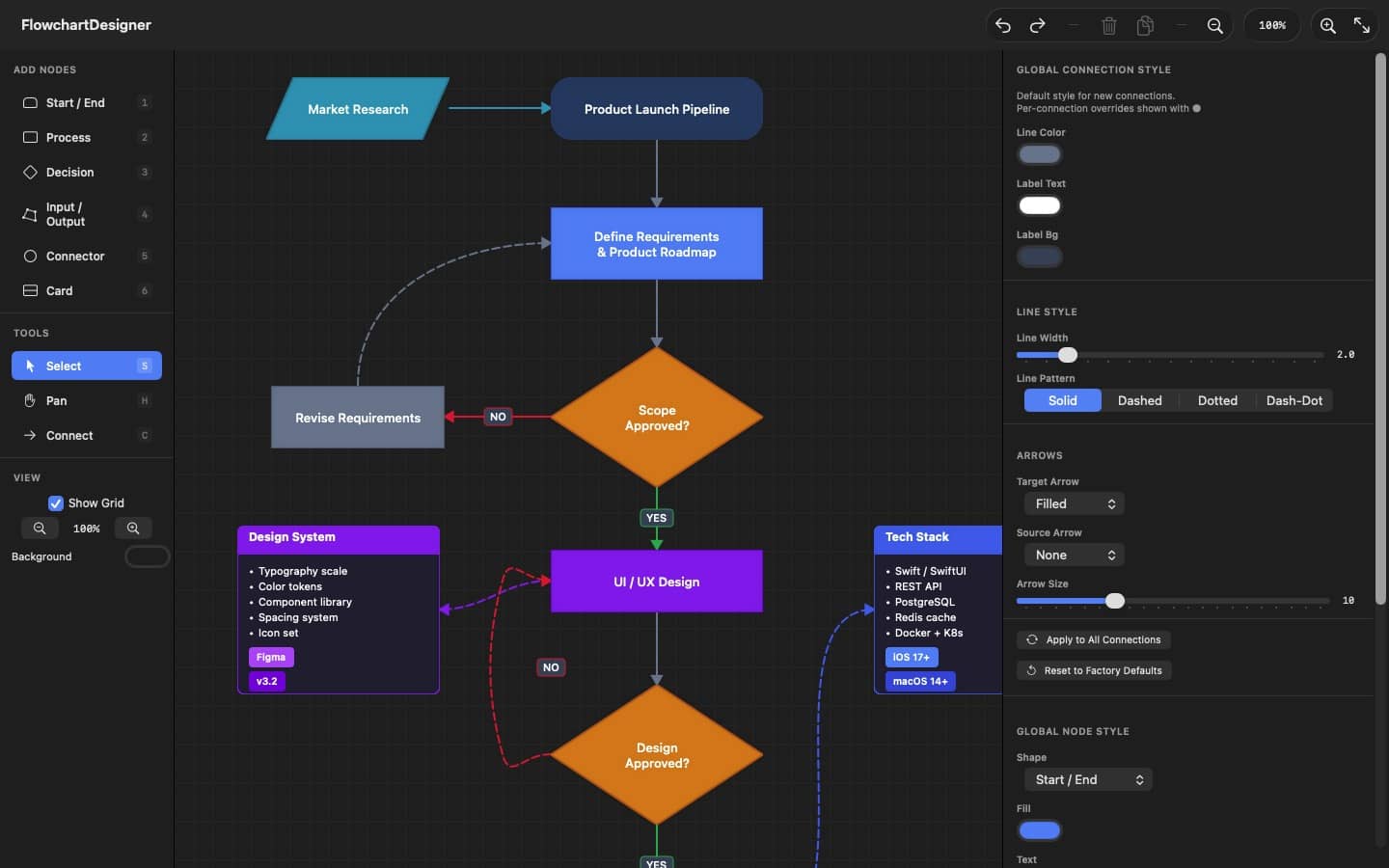
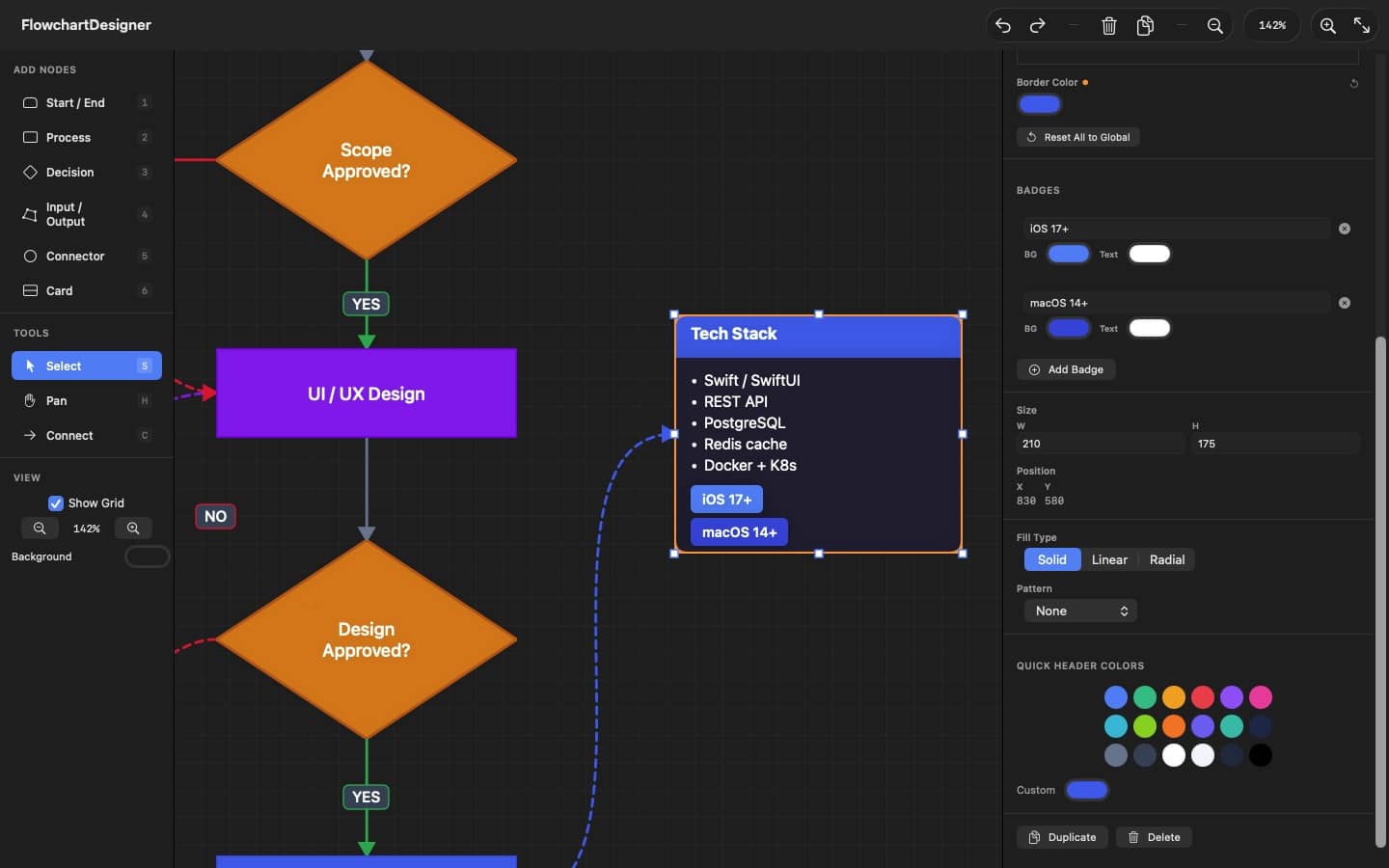
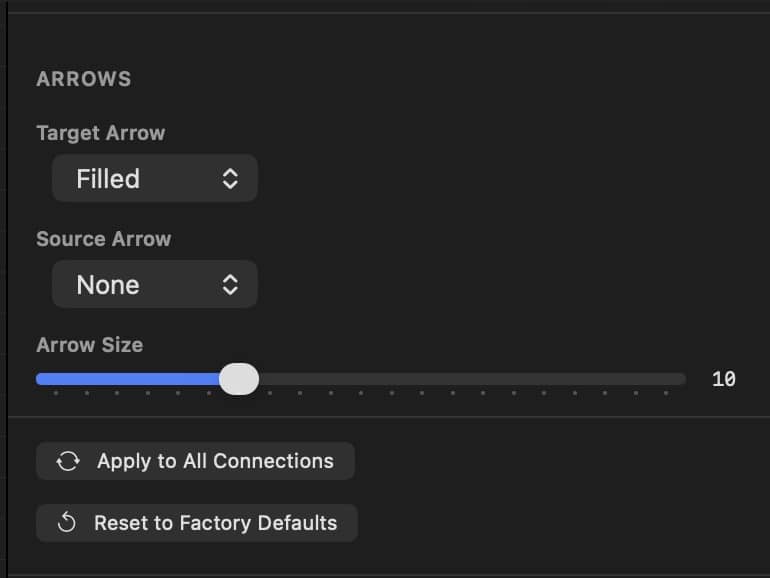
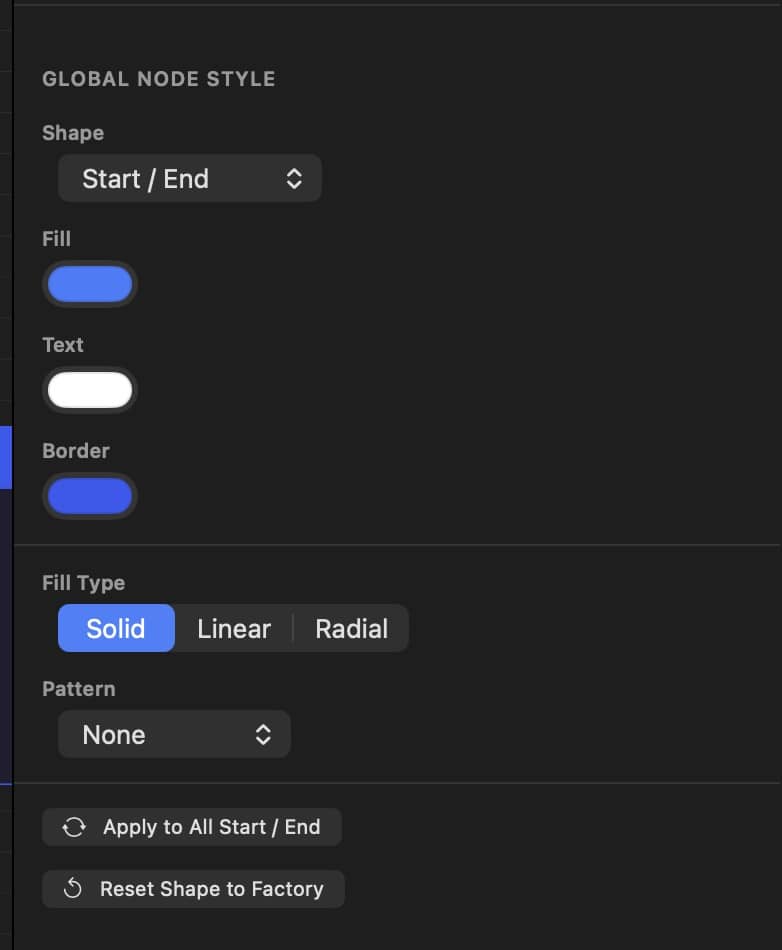
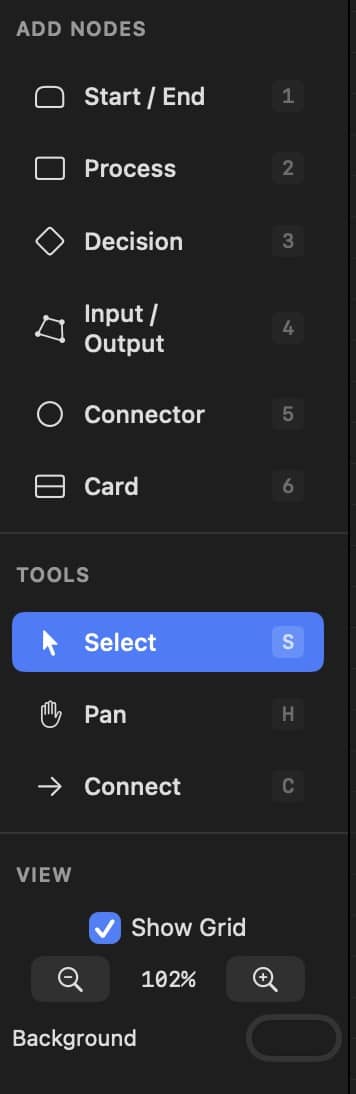
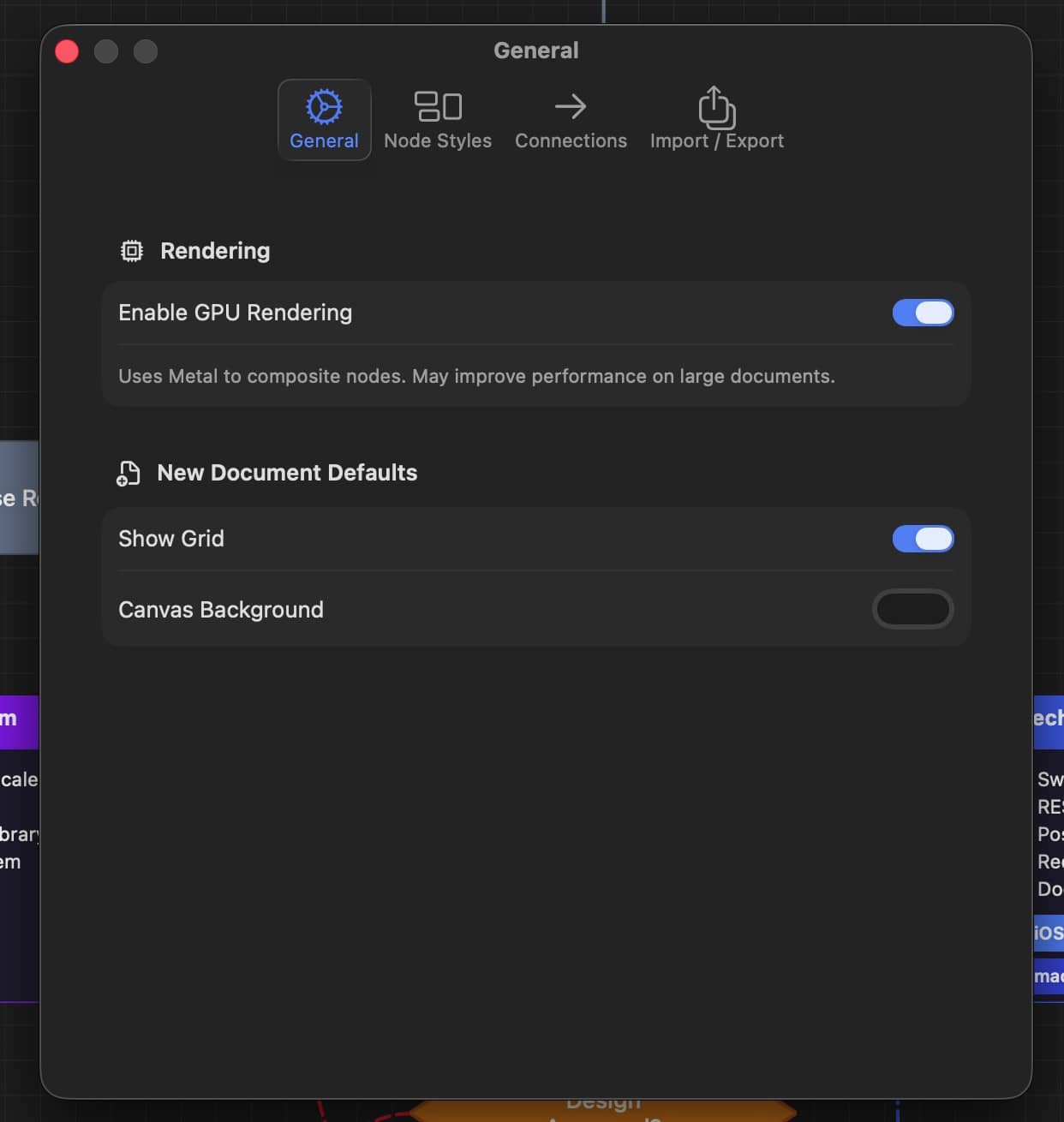
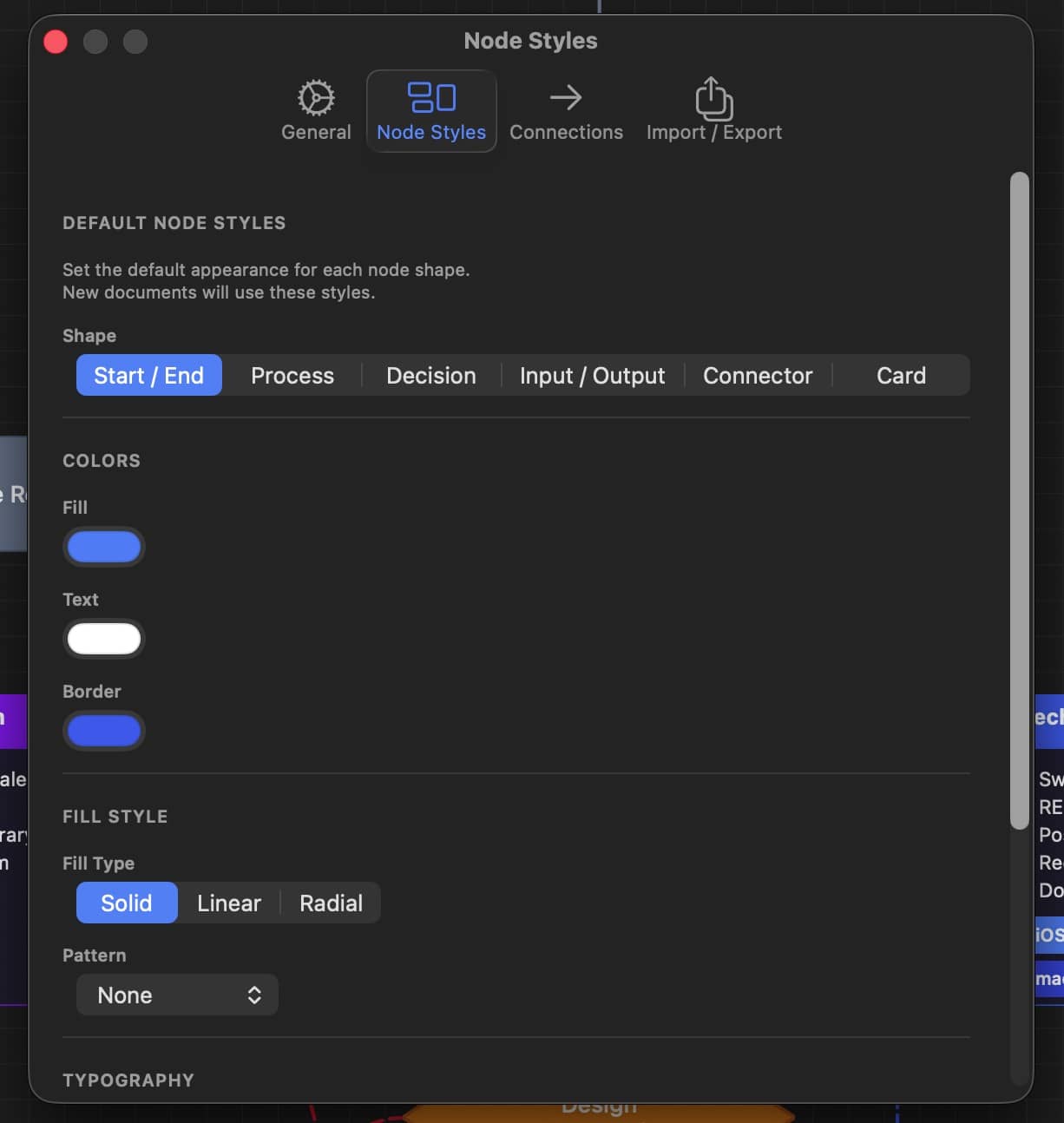
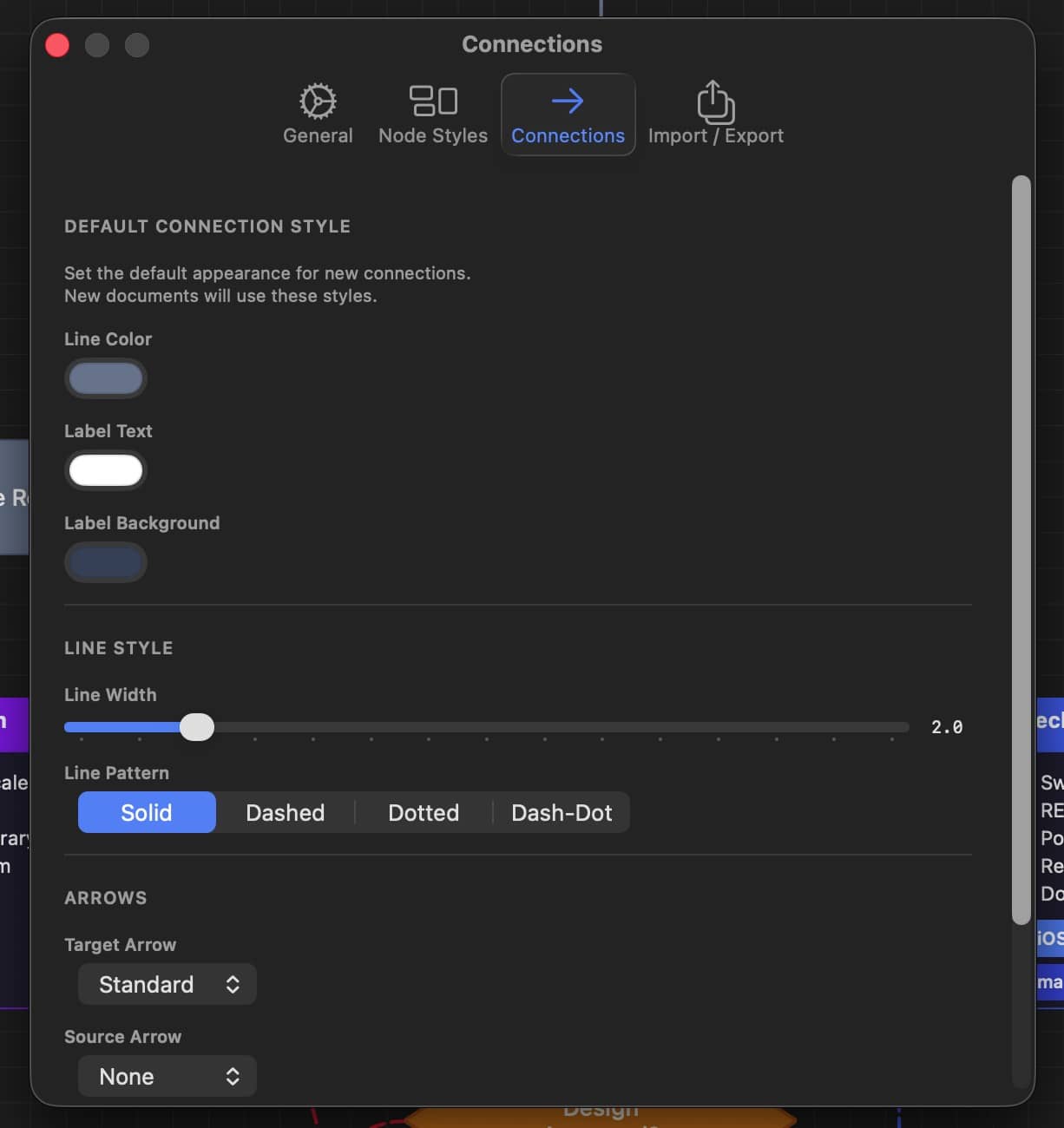
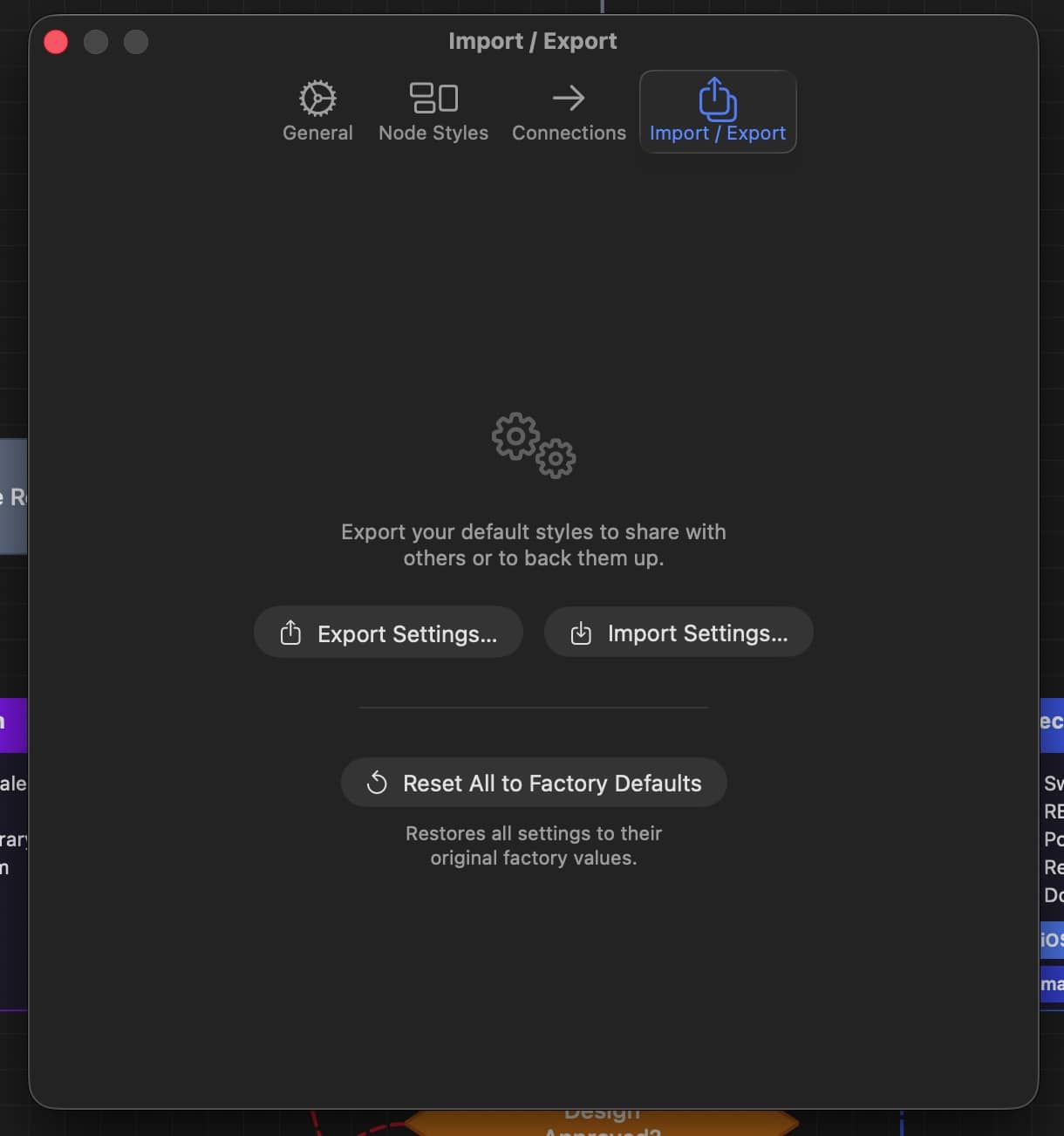
Designed for the way you work
DM Flowchart Designer is built around a keyboard-driven workflow inspired by professional design tools. Hold spacebar to pan like Adobe apps, press number keys to add nodes instantly, and use single-key shortcuts for every tool.
An infinite canvas with smooth zoom from 15% to 400% means your diagrams are never constrained. Snap-to-grid keeps everything aligned without the fuss.
Adobe-style spacebar hold to pan
Number keys 1-6 for instant node creation
Infinite canvas with 15%-400% zoom
Grid snapping for precise layouts
Full undo/redo history
Double-click to edit text inline
Optional GPU rendering via Metal
Native macOS document support
Keyboard first
Every action at your fingertips
1-6
Add node by type
S
Select tool
C
Connect tool
H
Pan tool
Space
Duplicate selection
F
Fit all nodes to view
⌘ D
Duplicate selection
⌘ E
Export as PNG
⌘ ⇧ Z
Export as PDF
⌘ Z
DM Flowchart Designer Privacy Policy
Privacy Policy
Last updated: February 24, 2026
DM Flowchart Designer (“the App”) is developed by Joshua Jordan (“we,” “us,” or “our”). We are committed to protecting your privacy. This Privacy Policy explains how the App handles your information.
Data Collection
DM Flowchart Designer does not collect, store, transmit, or share any personal data or usage information. The App operates entirely offline on your Mac.
Local Data Only
All documents, settings, and preferences you create within the App are stored locally on your device. Specifically:
- Flowchart documents are saved as JSON files to locations you choose on your Mac.
- Exported images (PNG) and documents (PDF) are saved to locations you choose.
- App preferences are stored locally using macOS UserDefaults on your device.
None of this data is transmitted to us or any third party.
No Analytics or Tracking
The App does not include any analytics frameworks, advertising SDKs, or tracking technologies. We do not track your usage, behavior, or any other activity within the App.
No Network Access
DM Flowchart Designer does not require or use an internet connection. The App does not make any network requests.
No Accounts
The App does not require you to create an account or provide any personal information to use it.
Third-Party Services
The App does not integrate with any third-party services that could collect your data.
Children’s Privacy
The App does not collect any personal information from anyone, including children under the age of 13.
Changes to This Policy
We may update this Privacy Policy from time to time. Any changes will be posted on this page with an updated revision date.
Contact Us
If you have questions about this Privacy Policy, please contact us at:
DM Mobile Location, Privacy Policy
Overview
DM Mobile Location ("the App") is developed by Dependent Media. This privacy policy explains how we collect, use, and protect your information when you use our App.
Information We Collect
Location Data
The App collects your device's geographic location (latitude and longitude) only when you explicitly choose to:
- Tap on the map to set a location manually, or
- Enable GPS mode to use your current location
Address Information
When you set a location, the App uses Apple's geocoding service to look up the street address corresponding to that location.
Information You Provide
- Labels: Optional text descriptions you enter for your location (e.g., "Parked at Main & 5th")
- API Credentials: Your website URL and API key, stored locally on your device
How We Use Your Information
Your location data is used solely to:
- Display your position on the map within the App
- Send your location to your own WordPress website when you tap "Update Location"
- Collect or store your location data on our servers
- Share your location with any third parties
- Use your location for advertising or tracking
- Sell any of your personal information
Data Transmission
When you update your location, the following information is sent directly to the WordPress website URL you configured:
- Latitude and longitude coordinates
- Street address (if available)
- Your custom label (if provided)
This data is transmitted using HTTPS encryption and is sent only to the server you specify.
Data Storage
On Your Device
- API credentials are stored locally using iOS secure storage
- No location history is stored on your device
On Your Website
- Location data is stored on your WordPress website
- You control this data through your WordPress admin panel
- Data retention is managed by you through your website
Third-Party Services
The App uses the following Apple services:
- MapKit: To display maps (Apple's privacy policy applies)
- Core Location: To access GPS when you enable GPS mode
- CLGeocoder: To convert coordinates to street addresses
We do not integrate any third-party analytics, advertising, or tracking services.
Your Rights
You have the right to:
- Access: View what location you've sent to your website via WordPress admin
- Delete: Remove your location data through your WordPress admin panel
- Revoke: Disable location permissions in iOS Settings at any time
Children's Privacy
The App is not directed at children under 13. We do not knowingly collect information from children under 13.
Changes to This Policy
We may update this privacy policy from time to time. We will notify you of any changes by posting the new policy within the App or on our website.
Contact Us
If you have questions about this privacy policy, please contact us at:
DM Mobile Location Help Center
🚀 Quick Start Guide
WordPress Plugin
- Upload
dm-mobile-location.zipvia Plugins → Add New → Upload - Activate the plugin
- Go to Mobile Location → Security and copy your API key
- Add
[dm_mobile_location]to any page
iPhone App
- Open the app and go to Settings
- Enter your API Endpoint:
https://yoursite.com/wp-json/dm-mobile-location/v1/location - Enter the API key from your WordPress admin
- Tap "Test Connection" to verify
🔧 Troubleshooting
"Invalid API key" error
- Make sure the API key matches exactly (no extra spaces)
- Check that the plugin is activated
- Try regenerating the API key in WordPress: Mobile Location → Security
"Connection failed" error
- Verify your website URL is correct
- Make sure your site uses HTTPS
- Check that WordPress REST API is enabled
Map not showing on website
- Verify the shortcode is correct:
[dm_mobile_location] - Make sure you've set at least one location from the app
- Clear any caching plugins
Location not updating
- Check that "Location updated" message appears in the app
- Clear your website cache
- Check the Security Log for any blocked requests
📝 Shortcode Reference
Basic usage:
[dm_mobile_location]
Options
height="500px"- Map heightwidth="100%"- Map widthzoom="15"- Zoom level (1-18)show="all"- Show all locationsid="loc_xxx"- Show specific location
Example with options:
[dm_mobile_location height="400px" zoom="14" show="all"]
DM Mobile Location
Let Customers Find Your Food Truck(s)
Let Employers Track Employees
Running a mobile business shouldn't mean your customers can't find you. DM Mobile Location is a simple solution that connects your iPhone to your WordPress website, letting you update your location with a single tap. Whether you're a food truck rolling to a new corner, a mobile groomer heading to the next appointment, or a field technician moving between job sites, your website instantly shows customers exactly where you are. No more answering "where are you today?" calls or updating social media every time you move—just tap, and your website handles the rest. With optional auto-update, your location even tracks automatically in the background while you focus on running your business.
Everything You Need
📍
One-Tap Updates
Set your location by tapping the map or using GPS. Update your website in seconds, not minutes.
🗺️
Interactive Map
Beautiful, customizable map on your website. Customers can get directions with one click.
📝
Custom Messages
Add labels like "Lunch special today!" or "Open until 3pm" that display on your map.
Auto Address Lookup
The app automatically finds the street address. No typing required.
Fully Customizable
Choose map styles, marker colors, popup designs. Match your brand perfectly.
🔒
Secure & Private
Your data goes to your website only. No tracking, no third parties, no ads.
How It Works
❶
Install the Plugin
Add the free WordPress plugin to your website in minutes.
❷
Get the App
Download the iPhone app and connect it to your website.
❸
Set Your Location
Tap the map or use GPS to set where you are.
❹
Customers Find You
Your website shows your location with directions.
Perfect For:
Whether you're running a food truck, managing a cleaning crew, or dispatching service technicians, DM Mobile Location helps your customers and team know exactly where to go. One tap updates your website map—no complicated software, no monthly fees.
Food trucks. Field crews. Delivery drivers. Sales reps. If your business moves, your customers and team need to know where you are. One tap. Updated. Done.
🚚 Food Trucks
☕ Coffee Carts
🥬 Farmers Markets
🛍️ Pop-Up Shops
🐕 Mobile Pet Groomers
🔧 Mobile Mechanics
🍦 Ice Cream Trucks
📦 Delivery Staging
🎪 Event Vendors
🔧 Field Service Technicians
🚿 Plumbers
⚡ Electricians
❄️ HVAC Technicians
🏠 Home Inspectors
🧹 Cleaning Crews
🌳 Landscaping Teams
🚛 Delivery Drivers
💼 Sales Reps
🏥 Home Health Aides
🔐 Security Patrols
🏗️ Construction Supervisors
🐜 Pest Control
💻 IT Support Techs
📸 Photographers
🍽️ Catering Teams
📦 Moving Crews
🏡 Real Estate Agents
📚 Mobile Tutors
✍️ Notary Services