Built for Mac & iPad
Flowcharts made beautiful
A native app for Mac and iPad for flowcharts, process maps and decision trees — with a built-in AI assistant, and a recorder that turns a lecture or a meeting into a diagram of what was said. Powerful styling. Intuitive canvas. Zero learning curve.
Everything you need
Professional diagramming tools without the complexity
Designed for the way you work
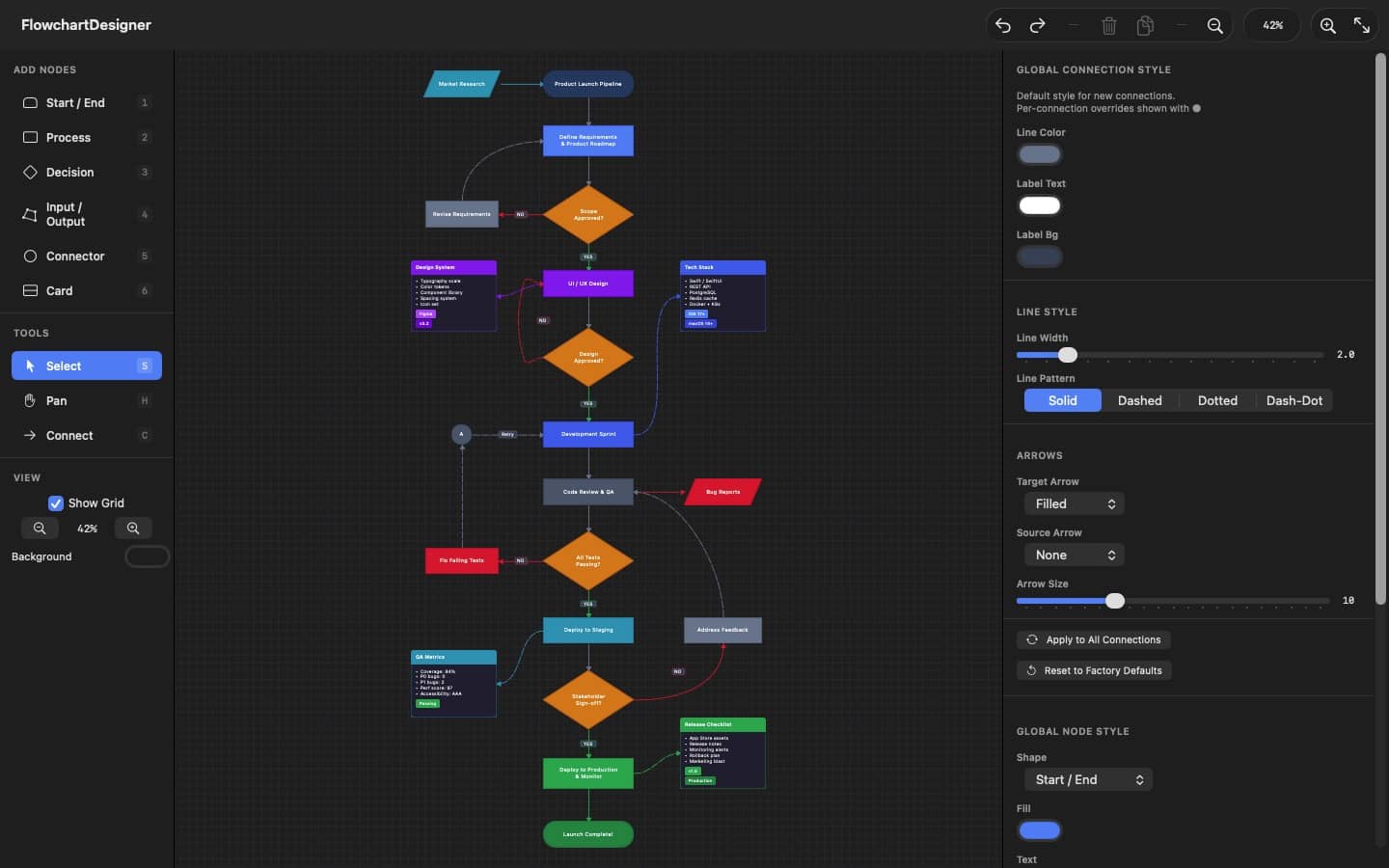
DM Flowchart Designer is built around a keyboard-driven workflow inspired by professional design tools. Hold spacebar to pan like Adobe apps, press number keys to add nodes instantly, and use single-key shortcuts for every tool.
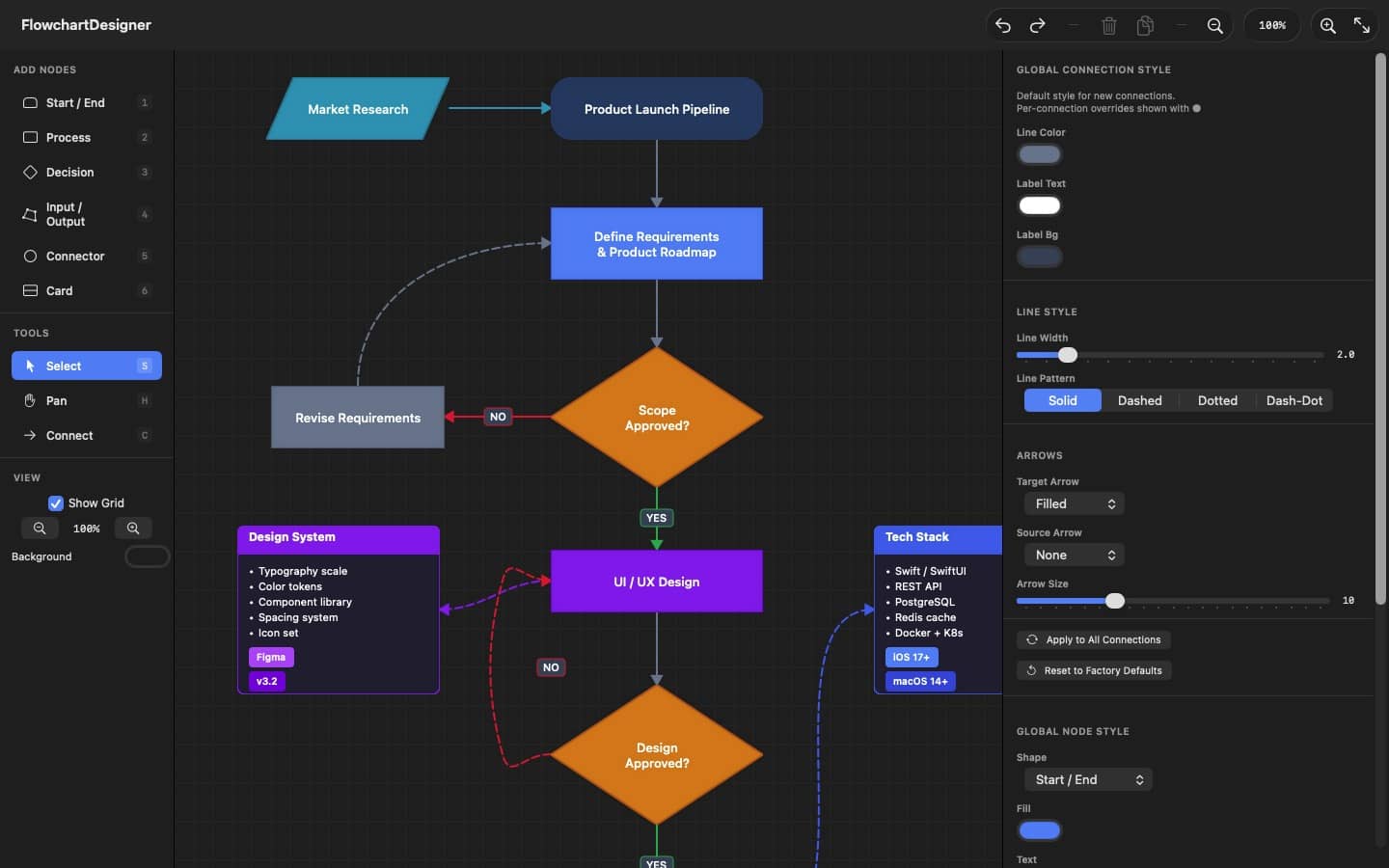
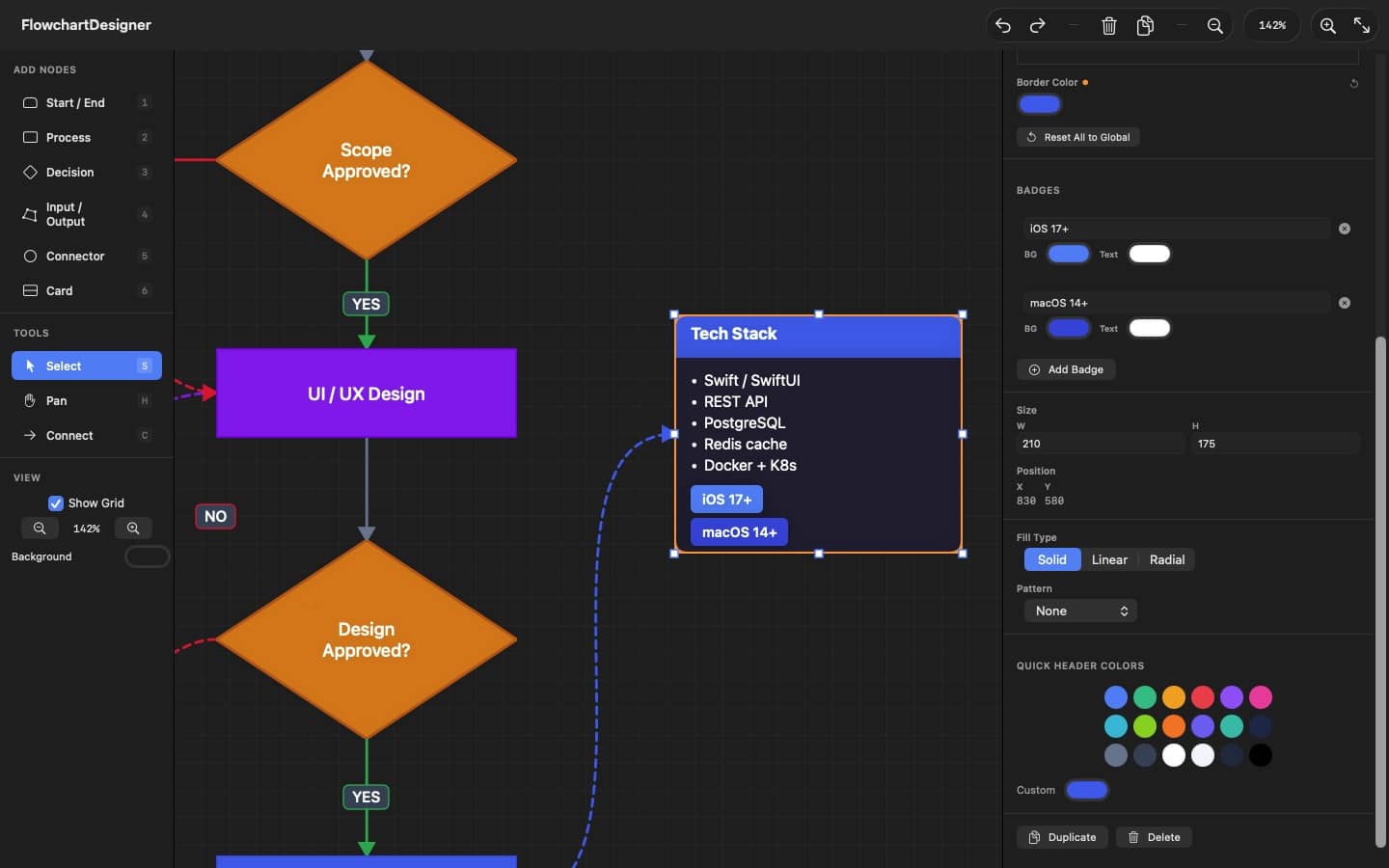
An infinite canvas with smooth zoom from 15% to 400% means your diagrams are never constrained. Snap-to-grid keeps everything aligned without the fuss.
Adobe-style spacebar hold to pan
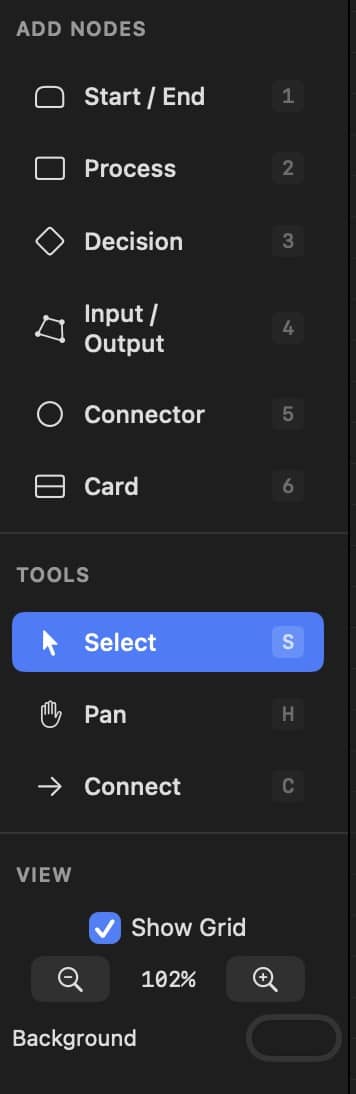
Number keys 1-6 for instant node creation
Infinite canvas with 15%-400% zoom
Grid snapping for precise layouts
Full undo/redo history
Double-click to edit text inline
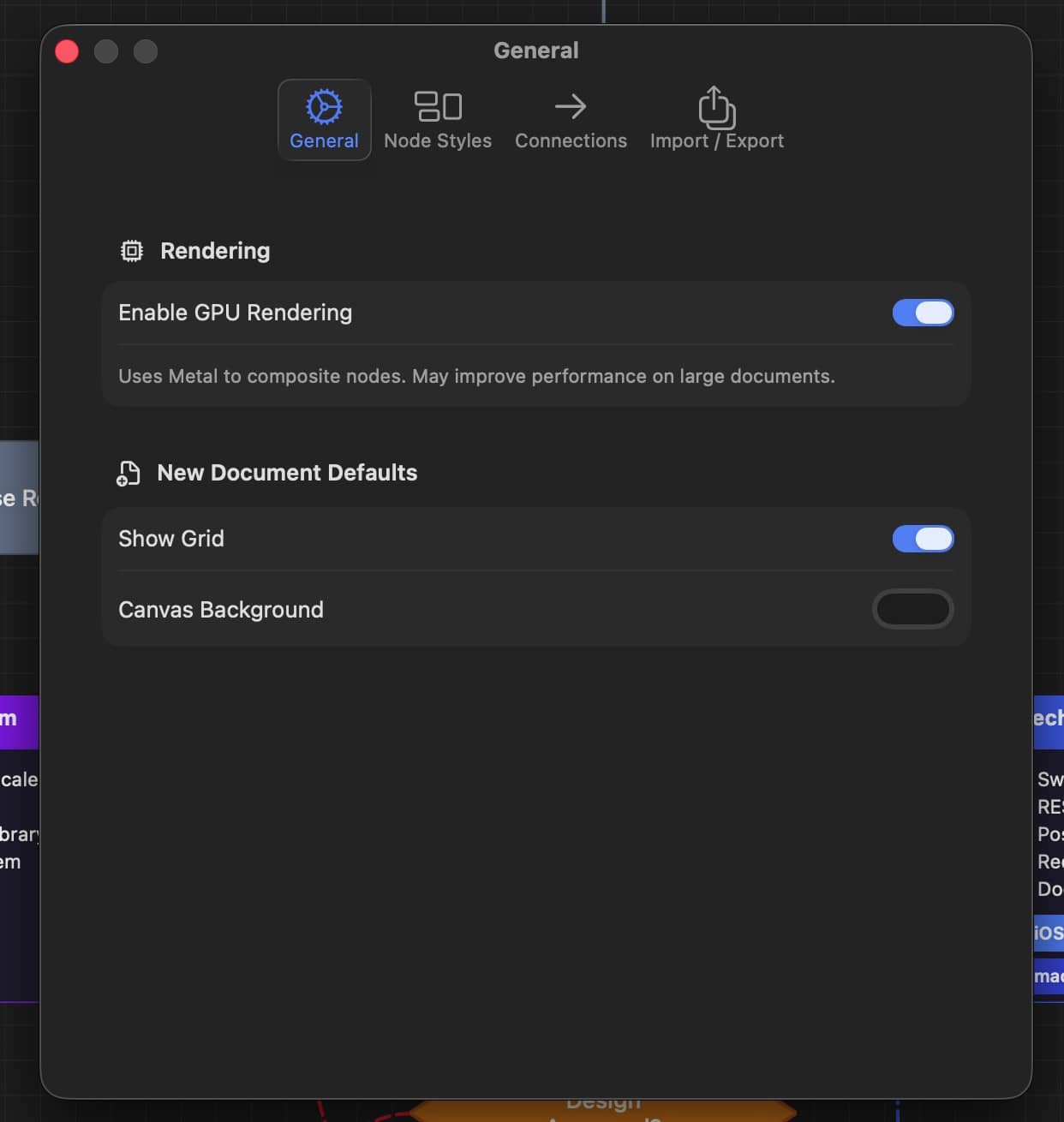
Optional GPU rendering via Metal
Native macOS document support
Keyboard first
Every action at your fingertips
1-6
Add node by type
S
Select tool
C
Connect tool
H
Pan tool
Space
Duplicate selection
F
Fit all nodes to view
⌘ D
Duplicate selection
⌘ E
Export as PNG
⌘ ⇧ Z
Export as PDF
⌘ Z
Questions & answers
Does it work on iPad?
Yes. DM Flowchart Designer runs natively on Mac (macOS 14 or later) and iPad (iPadOS 17 or later) — one app, one download from the App Store. The full User Guide is built into both versions.
Is Pro a subscription?
No. Pro is a one-time $9.99 in-app purchase — no subscription, no recurring fees. It unlocks AI flowchart generation, PDF & SVG export, multiple tabs, and all templates. Restore Purchases brings it to your other devices.
What can I do with the free version?
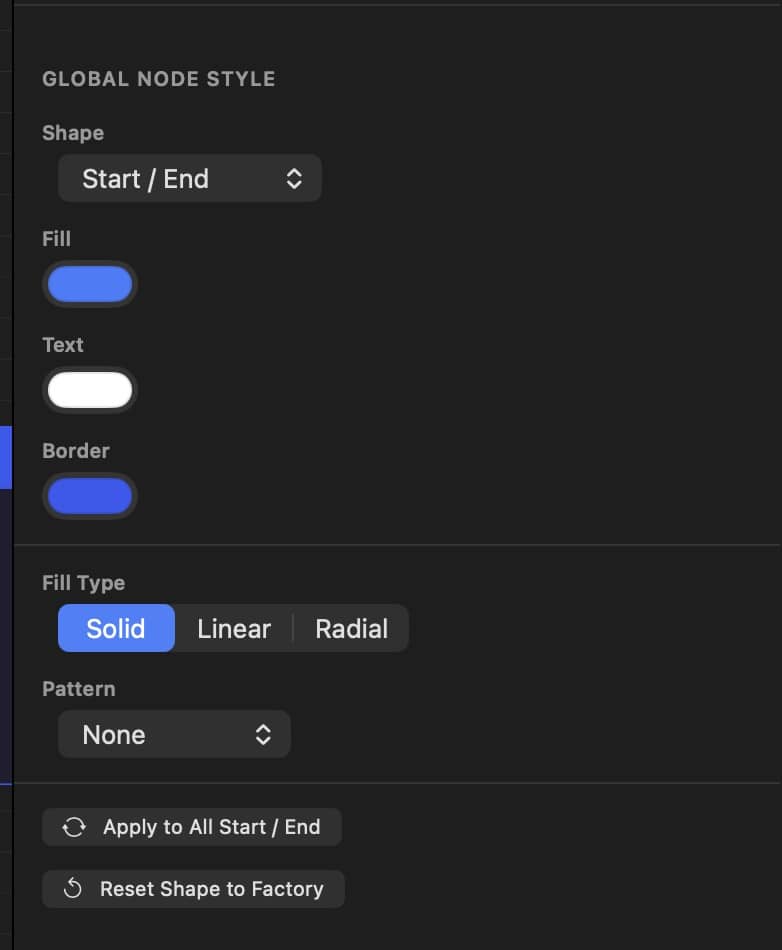
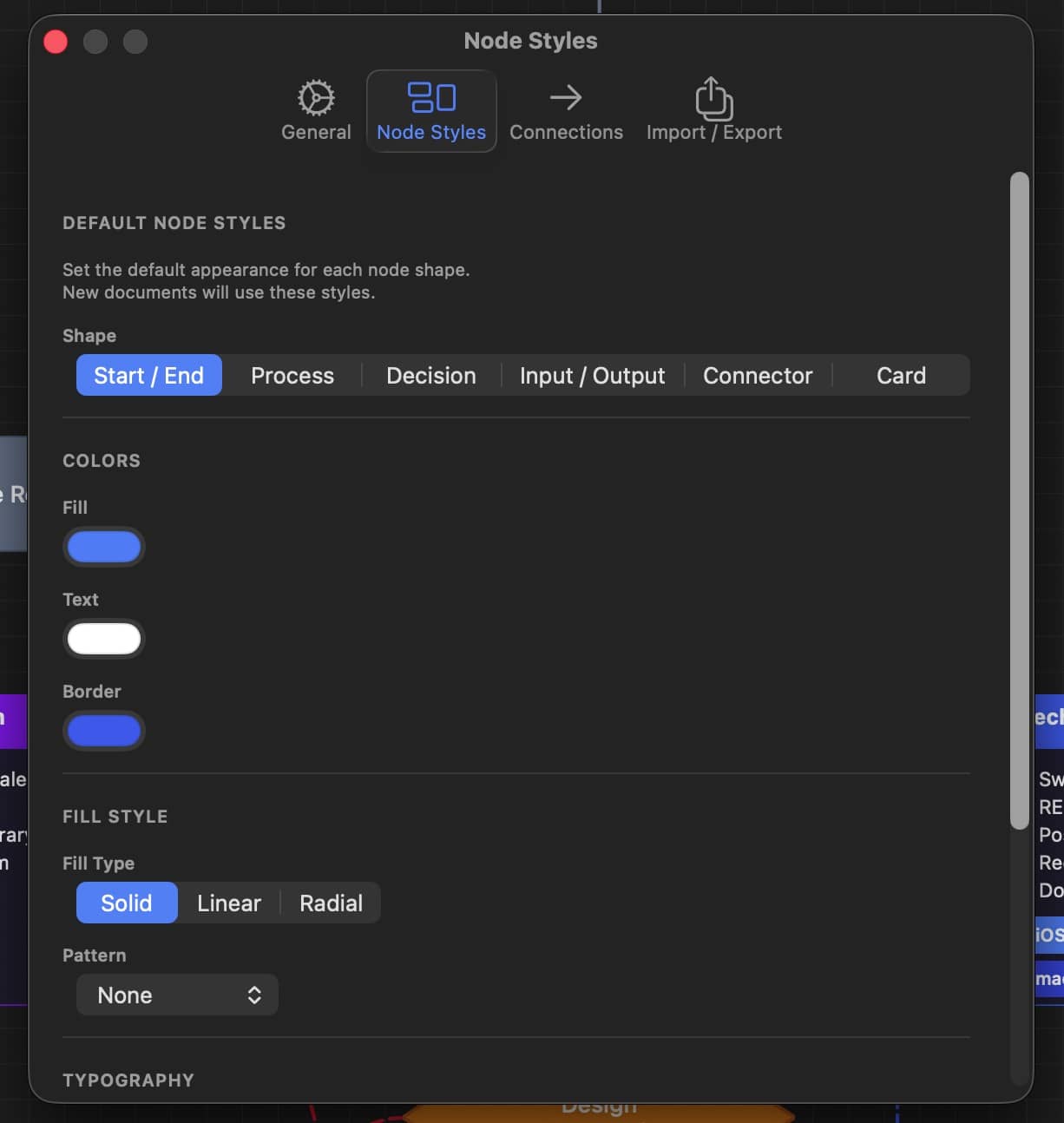
All the core drawing: unlimited flowcharts on the infinite canvas, all seven node shapes, full styling and text formatting, 7 of the 8 built-in templates, and PNG export.
Where are my files stored?
Your flowcharts are plain .json files saved wherever you choose on your device. There's no account, no sign-up, and no cloud — your work never leaves your machine unless you share it.
What can I export and import?
Export PNG for free, or PDF and SVG with Pro — every export renders the full canvas and preserves your text formatting. Import PNG, JPEG, GIF, and TIFF images, or a PDF page; imported PDFs keep their original vector data when you export back to PDF.
How does the AI assistant work?
Describe the flowchart you need in plain language and the AI builds it on the canvas, styled and connected. It's bring-your-own-key: use your own Anthropic, OpenAI, Google, or xAI API key — stored in your Keychain and sent only to the provider you chose. (Pro feature.)
Is there a manual or tutorial?
Yes — three ways: the User Guide built into the app (Help → User Guide on Mac, Menu → User Guide on iPad), the full guide on the web, and a downloadable PDF manual.
Can it really turn a lecture into a diagram?
Yes — that is Record & Transcribe, part of Pro. Record a lecture, a lesson or a meeting and watch the words appear as they are spoken. When you stop, the whole recording is transcribed and the AI lays it out as notes or as a flowchart. Every note remembers the moment it came from, so clicking one plays the audio from exactly there with subtitles running underneath. Recordings stay on your device; transcription uses Apple’s speech recognition, and building the diagram uses the AI provider you choose with your own API key.
Where do I get help?
Use the contact form — a real person answers, usually within a business day.
Ready to start designing?
Free and Pro versions ($9.99, one-time) · Requires macOS 14 or iPadOS 17