DM Music
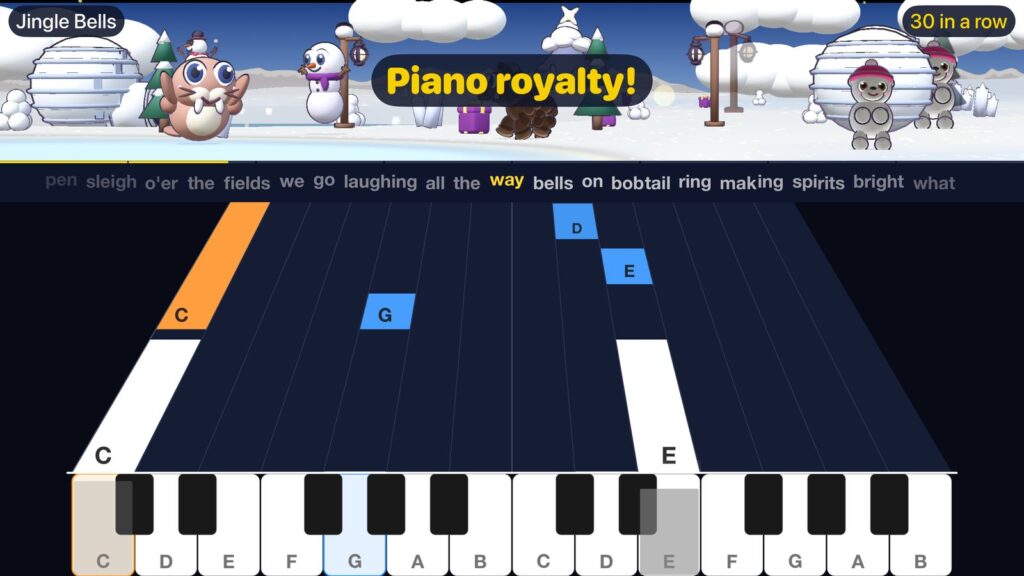
Put a TV or an iPad behind a keyboard and DM Music turns piano practice into a rhythm game. Notes come down a road toward the keys, you press each one as it reaches the line, and a world of big-eyed characters cheers you on. It is made for children, and for anyone starting out, on Apple TV, iPhone and iPad.
Try a little of it here
This is a small version that runs in your browser: four songs, one hand, one octave. Tap the keys, use A S D F G H J on a computer keyboard, or plug in a MIDI keyboard. Press any key to start.
Open it on a page of its own. The full game has both hands, 25 songs and 26 worlds.
A road you can read
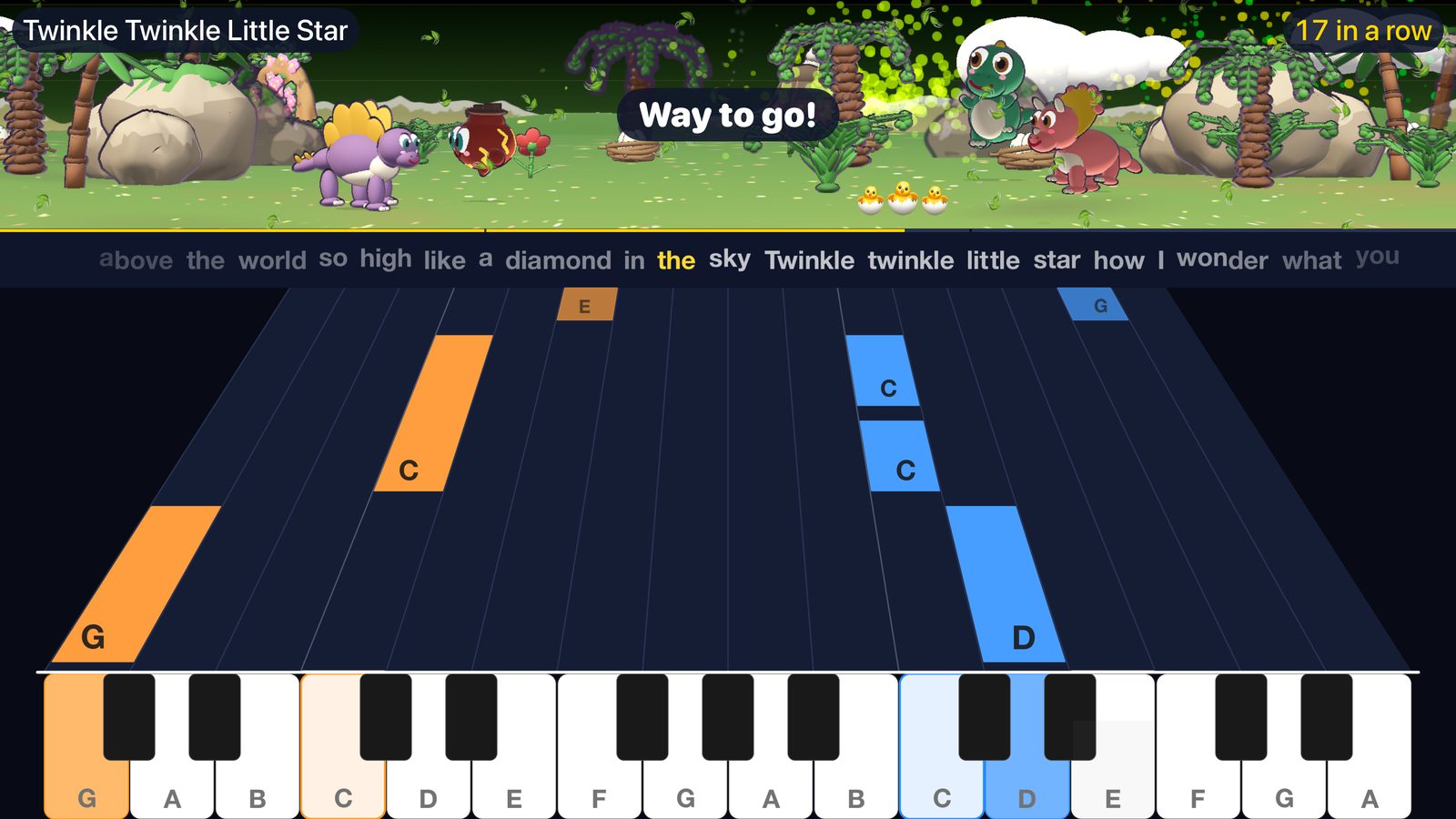
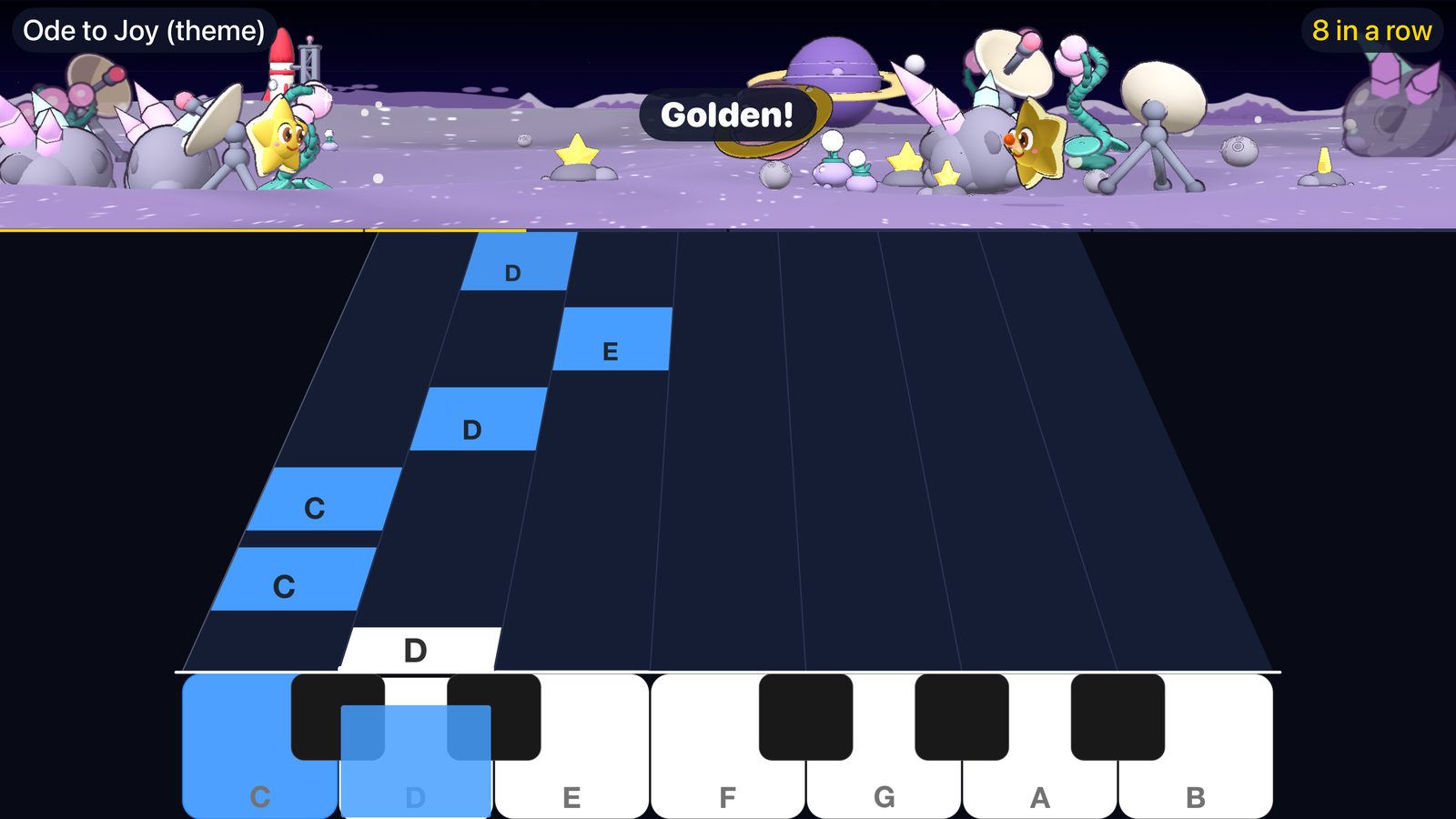
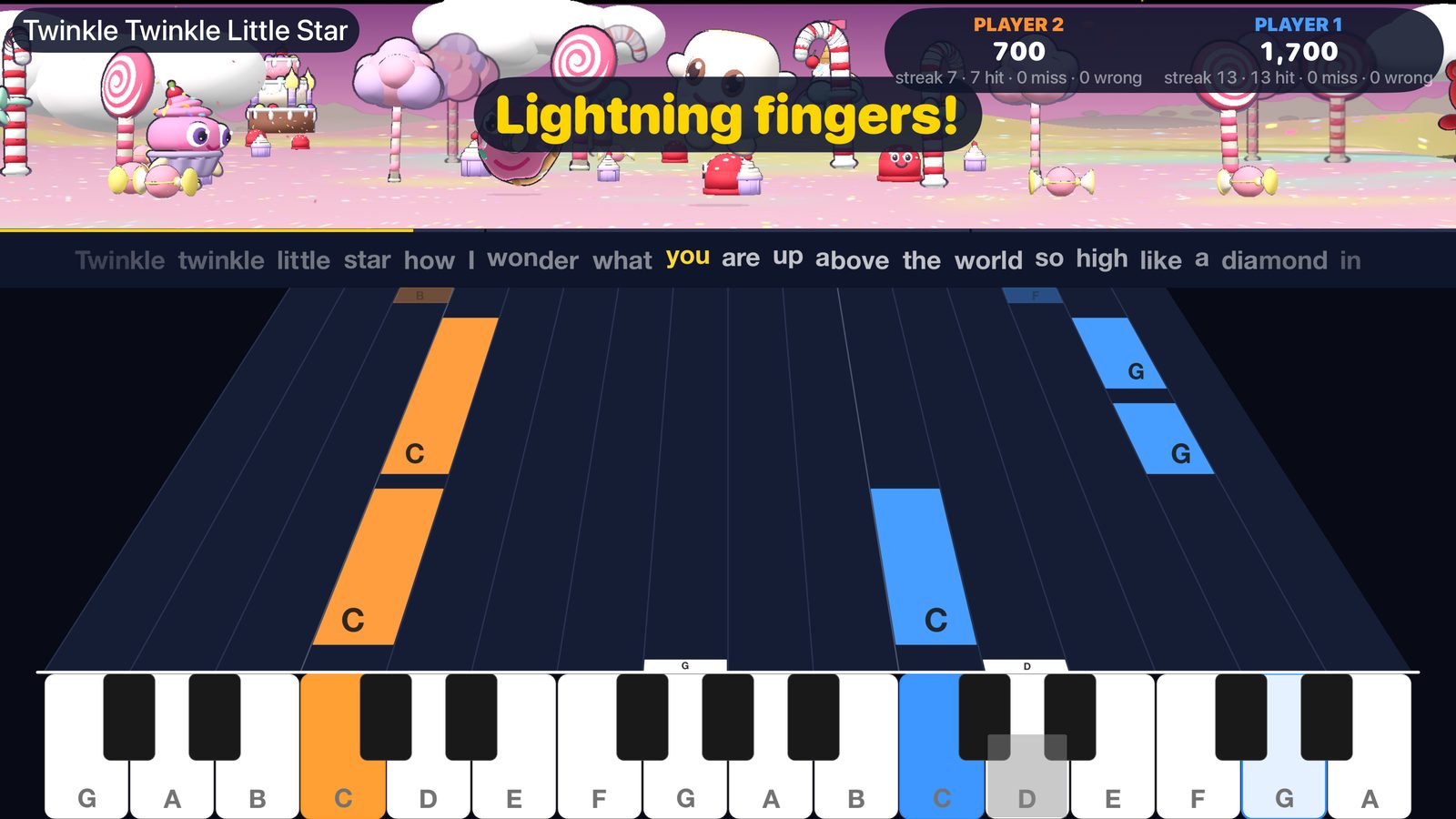
Every note is a bright block with its letter on it, coming down its own lane to the key it belongs to. The right hand is blue and the left hand is orange. The song’s words run along the top, and nothing is drawn over the notes.
Three ways to practise
- Wait for me stops at every note until you find it. Start here with a new song.
- Rhythm keeps time and scores each note.
- Listen plays the song for you, and sings the words if it has any.
Pick the right hand, the left or both, and slow a song down as far as you need. Stuck on one bit? One button takes you back to the start of the part you are in, and another loops it, slowly at first and a little faster after each clean pass.
26 worlds, and someone always watching
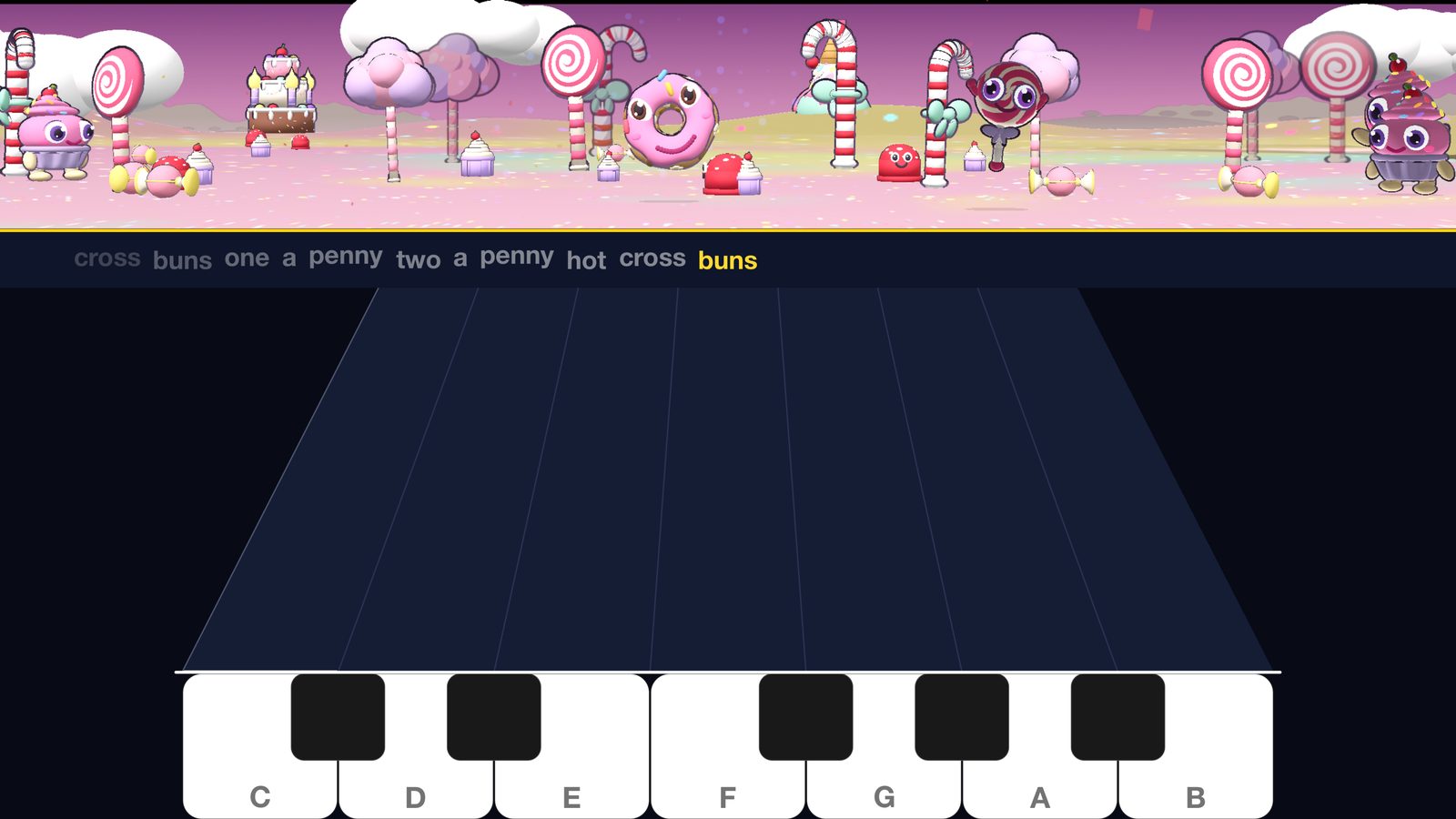
Every song plays in a world: Dinosaur Valley, Snow Day, Outer Space, Candy Land and 22 more. The characters who live there come out when you play well, and run for cover when mistakes pile up. Play well again and they come back.
Two players, or a whole band
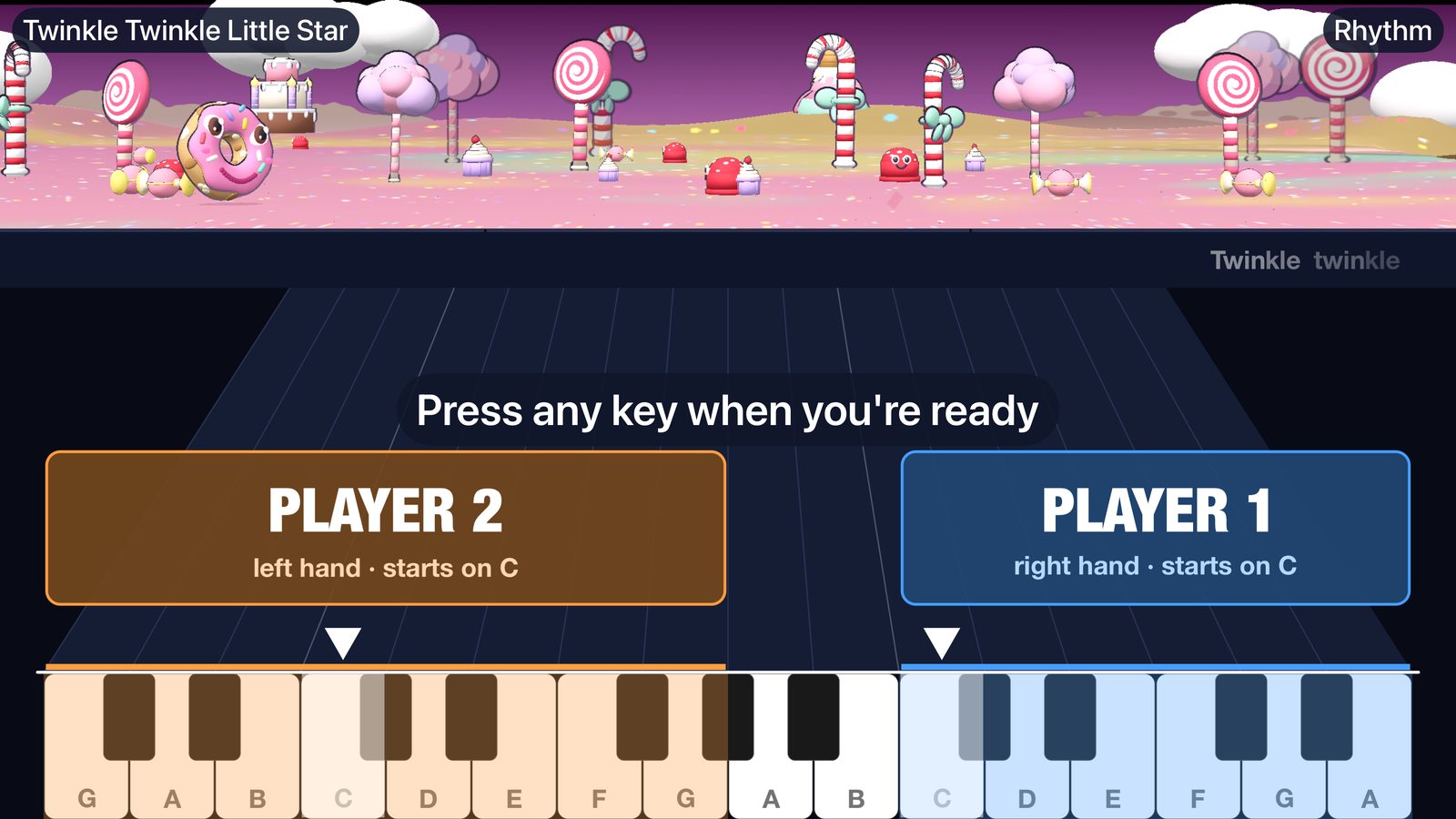
Two players can share a song: one takes the left-hand part and the other the right, each with their own score. Before the song starts, the screen shows who plays which keys and where each one begins. Friends on the same Wi-Fi can join from an iPhone or iPad as drums, bass or chords.
Any keyboard, or none
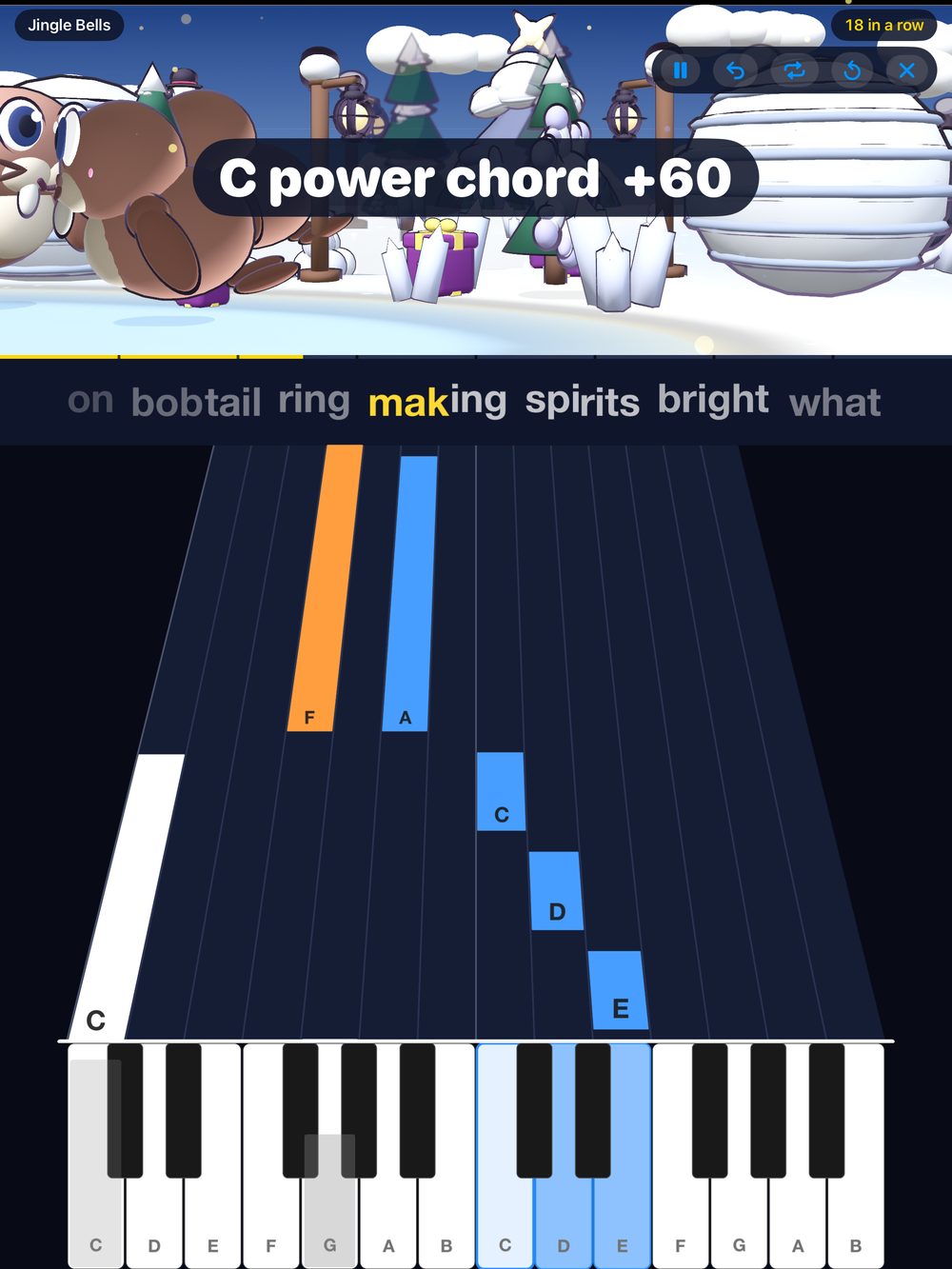
Connect a MIDI keyboard: Bluetooth on Apple TV, Bluetooth or USB on iPhone and iPad. Keyboards with light-up keys, such as PartyKeys, show the next key in a colour for each hand. With no keyboard, an iPhone or iPad becomes the instrument, as big tap lanes or a keyboard on the screen.
Game or Teacher
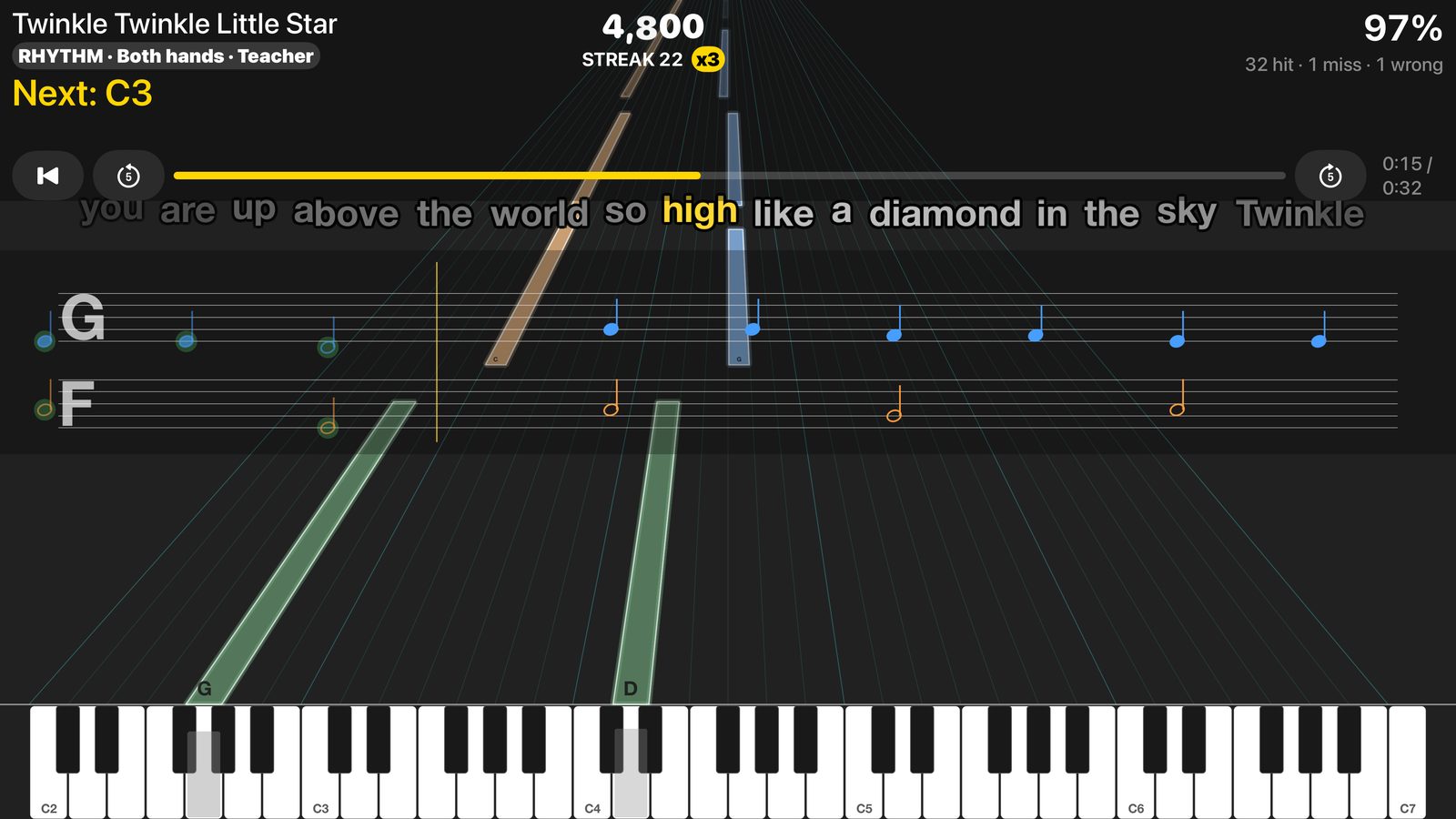
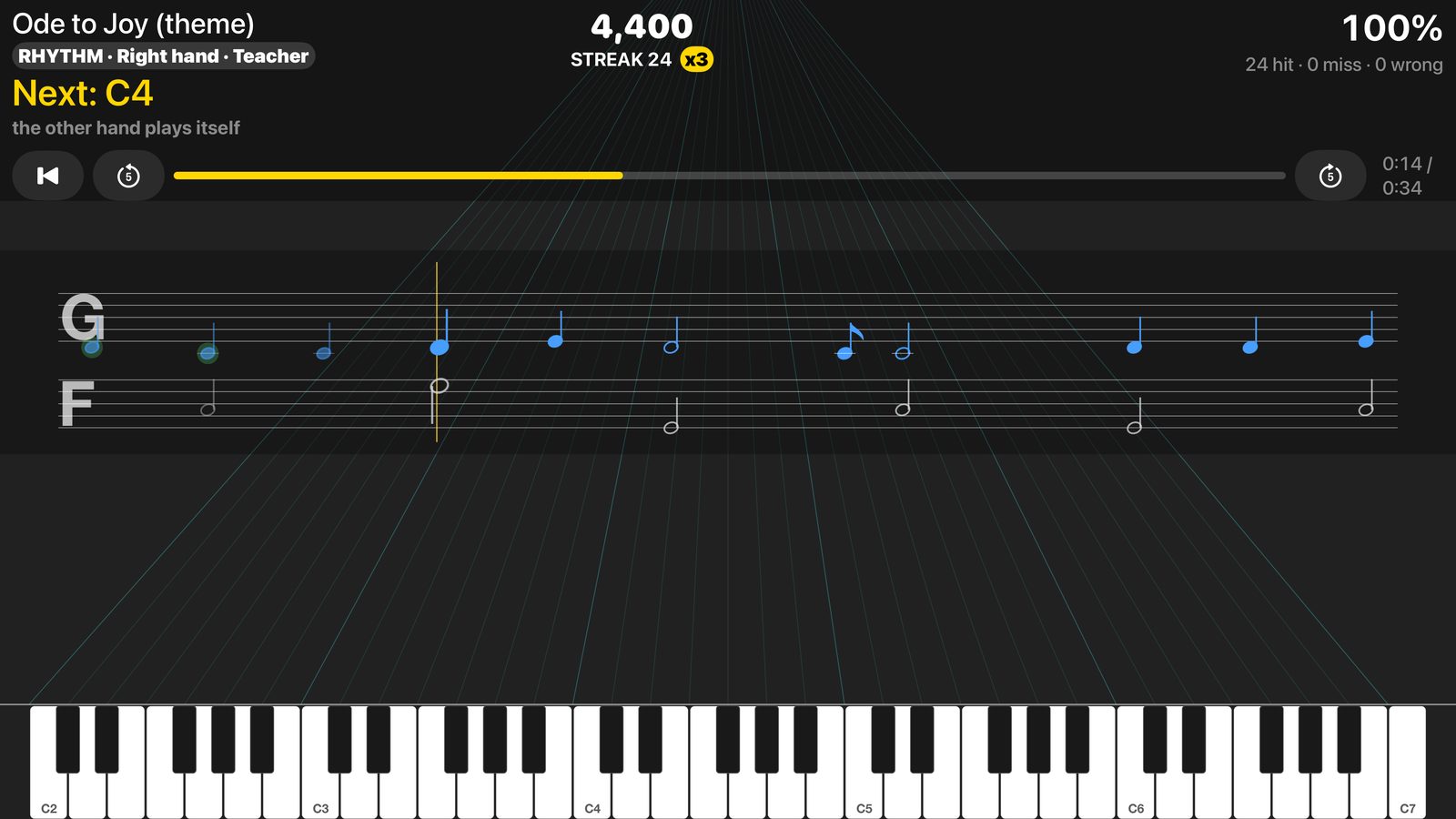
Game style is the show: worlds, streaks and an announcer. Teacher style turns all of that off and leaves the notes, real sheet music and your score.
Songs
25 songs come with it, from Hot Cross Buns and Twinkle Twinkle up to Für Elise, the Prelude in C and the Turkish March. You can import your own MIDI or MusicXML files too.
Free, and private
DM Music is free, with no ads and no account. Your songs and scores stay on your device and in your own iCloud. The only things that can leave are a note you choose to send us from the app and, if you set it up yourself, an optional voice assistant. Read the privacy policy or get support.
Coming to the App Store
DM Music is coming to the App Store for Apple TV, iPhone and iPad, with a remote for Apple Watch. It will be free.
DM Music is an independent app and is not affiliated with or endorsed by Apple or any keyboard maker.