Scan It, Open It in Blender — DM Scanner 3D Is Coming to the App Store
Every 3D scanning app can make a mesh. The trouble starts when you bring it into Blender: it arrives on its side, a hundred times too big, and you spend the first ten minutes fixing the file instead of using it. DM Scanner 3D is an iPhone app built for people who finish their work in Blender. Everything it exports is Z-up and in metres, so a room, an object or a face lands the right way round, at real-world scale, with nothing to fix up.
Scan a scene
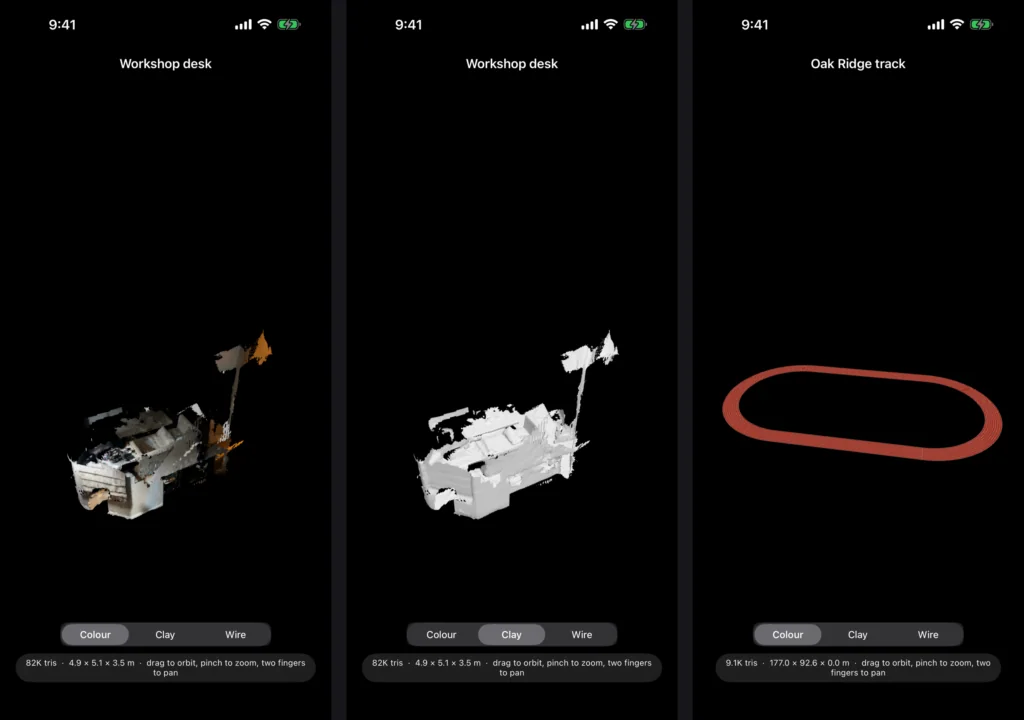
Sweep a room or a venue with the LiDAR sensor and watch the mesh build live on the camera view, coloured from the camera as you go. It takes seconds, not minutes.
Capture an object
For a single thing rather than a space, guided photogrammetry walks you around it and builds a fully textured model on the device.
Scan a face
The TrueDepth camera captures a textured face mesh with the same topology every time — ready for rigging, and for swapping between characters — plus the surrounding head fused from depth. Face scans are processed and kept on the phone, as the privacy policy spells out.
Made for Blender
Scene scans export as OBJ, PLY or USDZ, and object captures as USDZ. Share a scan by AirDrop or pick it up from the Files app, then File → Import in Blender and it’s there — Z-up, in metres, right side up.
Built for accuracy
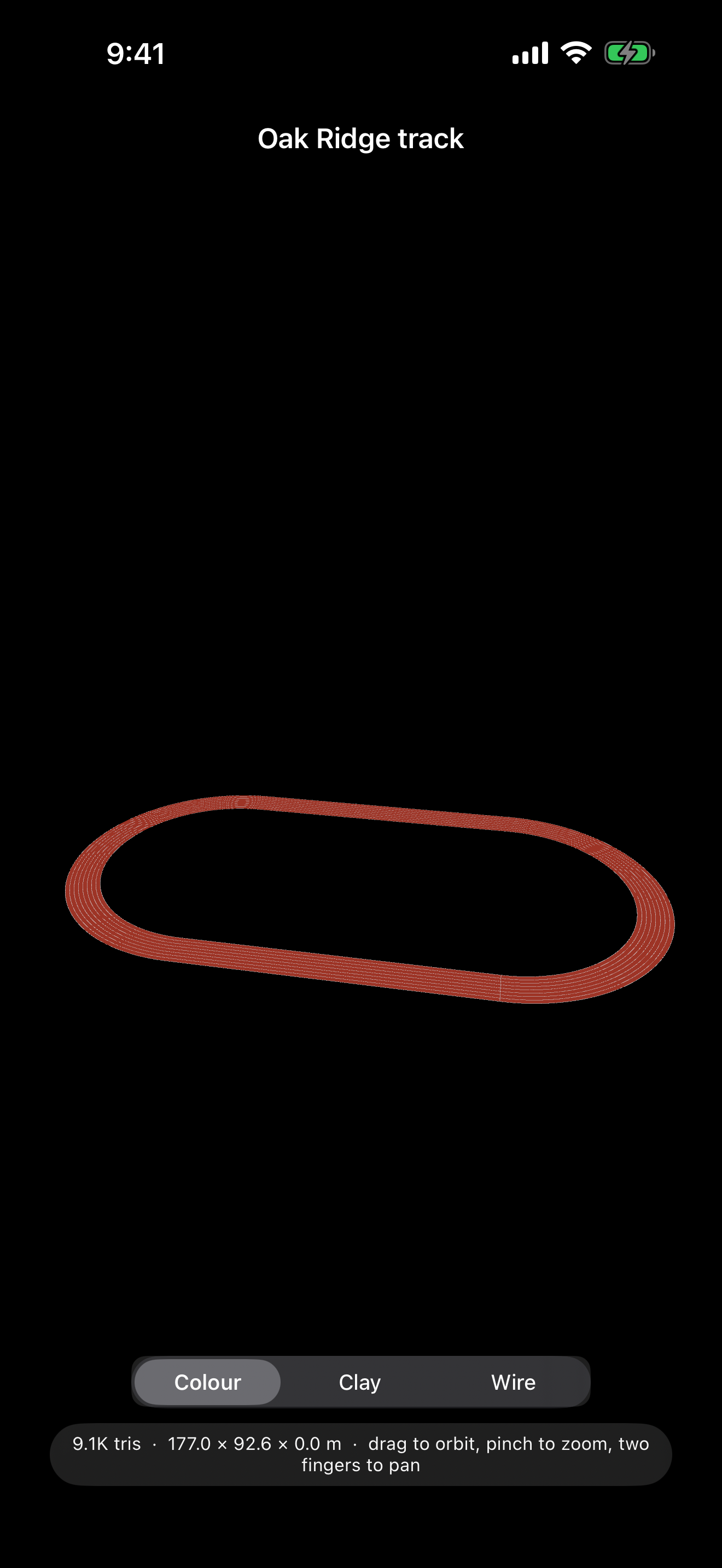
Tap-to-measure checks a scan against a real tape measure. A printable control marker gives separate scans a shared origin, so they merge without any alignment step. And if the venue is a running track, register the scan to the standard 400 m layout by tapping painted landmarks, and export the exact rulebook track alongside it.
View and organise
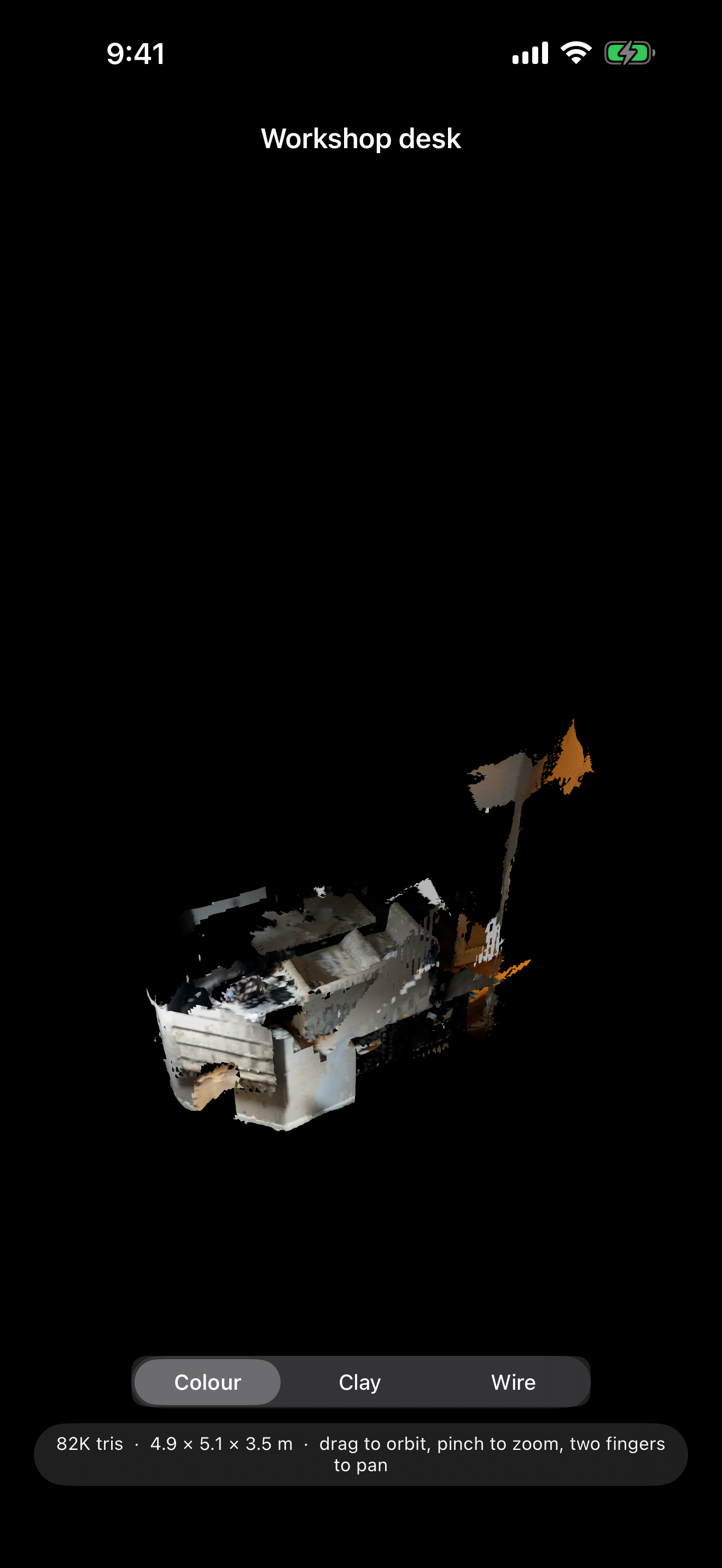
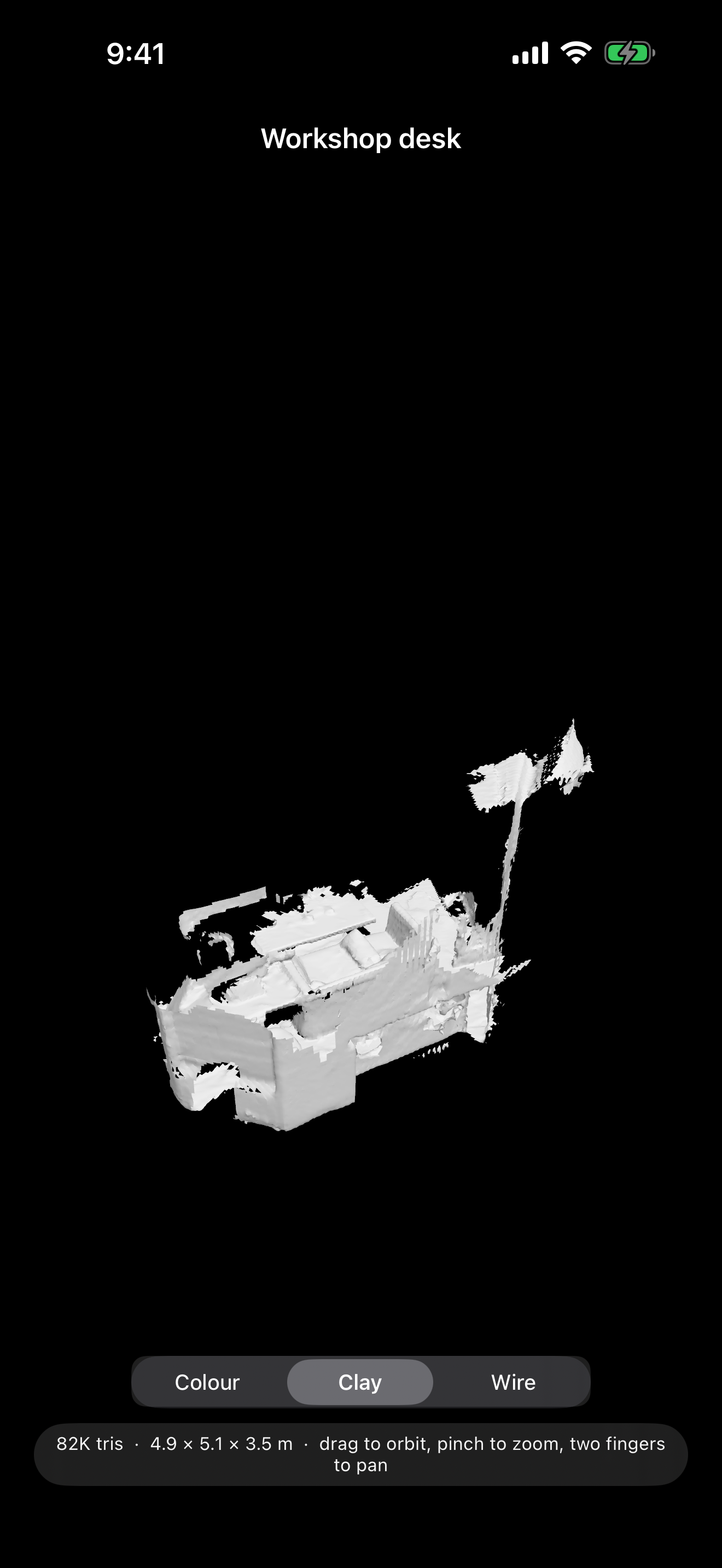
Orbit any scan in full colour, as bare clay to judge the shape, or as wireframe. Search your library by name, type or date.
Private by default
Your scans stay on your device unless you choose to share them. No account, no ads, no tracking, and no network access at all. Questions are answered on the support page.
Coming to the App Store
DM Scanner 3D is free, and is with Apple for review now. Scene scanning needs an iPhone with a LiDAR scanner (the Pro models). Face scanning needs a TrueDepth (Face ID) camera.